Amanuensis
Amanuensis is an assistant that sits beside whatever you have open. It can look through a vault, find what repeats, sort your Inbox, update tasks and plan merges. It asks before it changes anything. Read AI and your privacy before you turn it on.
Turn it on
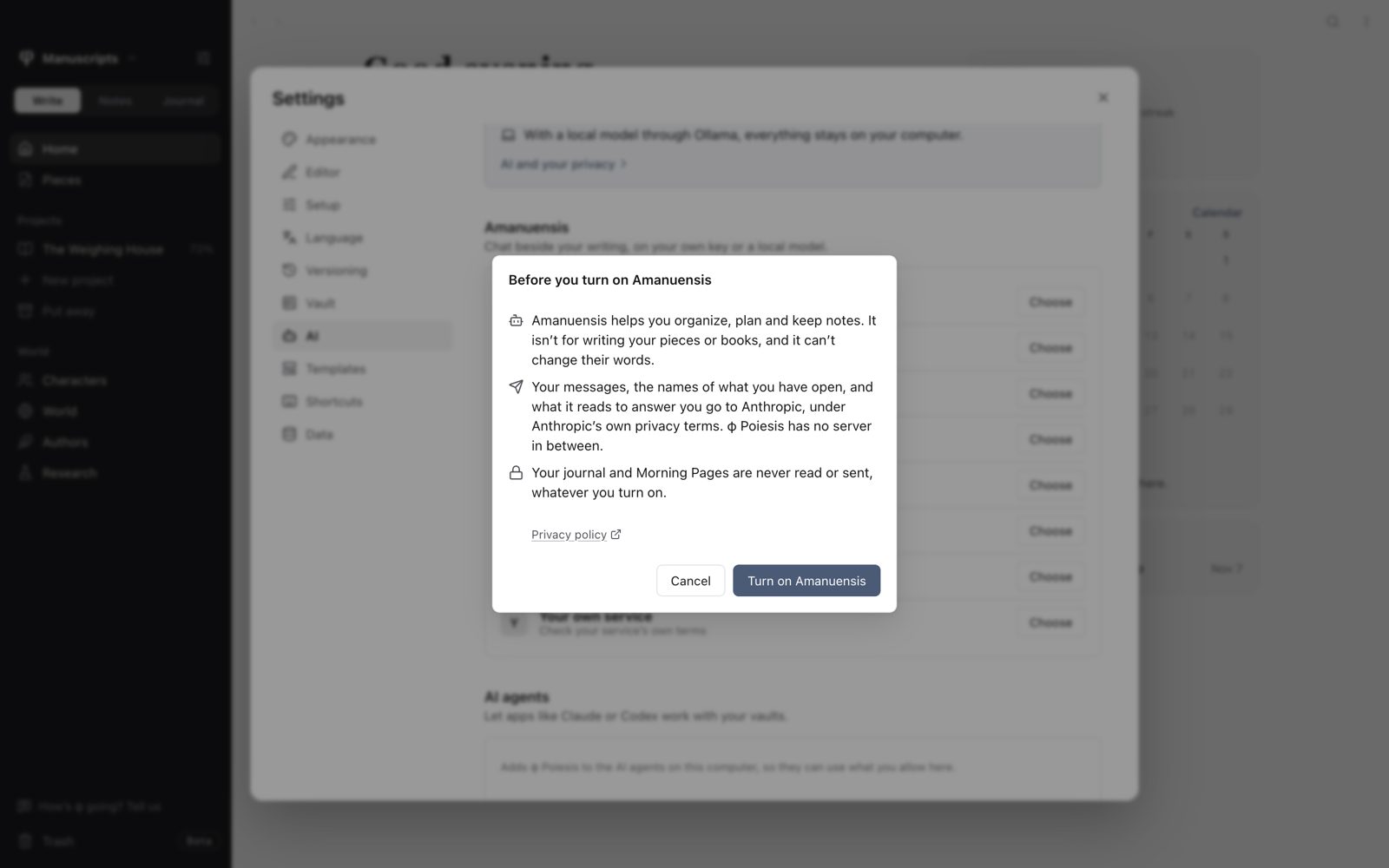
- Open Settings → AI and choose Set up Amanuensis.
- Choose a provider. You can read its privacy policy from the list.
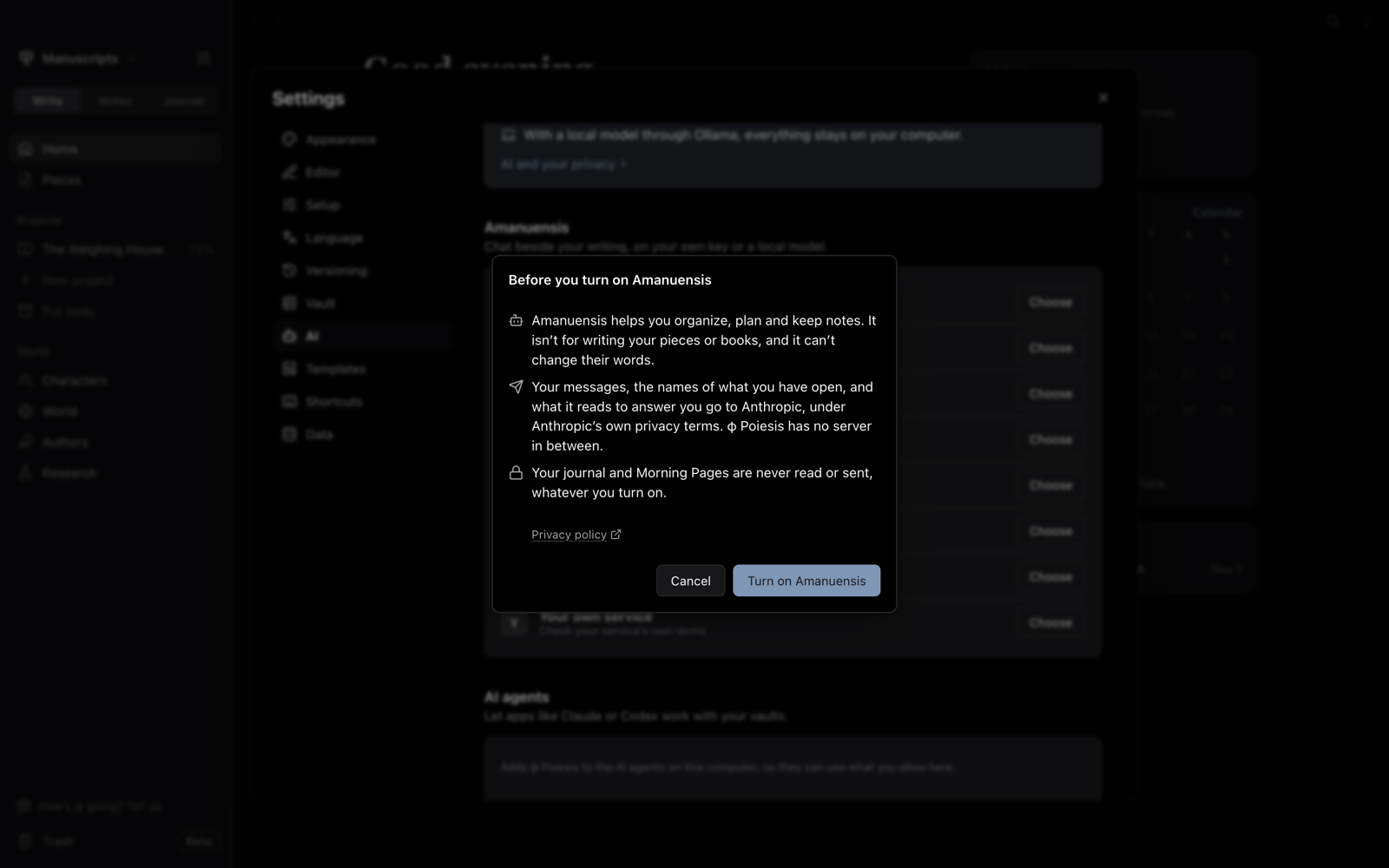
- Read the sheet that appears and choose Turn on Amanuensis.
- Add your API key if the provider needs one, then choose a model.
With Ollama, you need it running on this computer with a model that can use tools.
Each vault can use these settings or its own. Under This vault in Settings → AI, pick the vault and choose Its own.
Open it
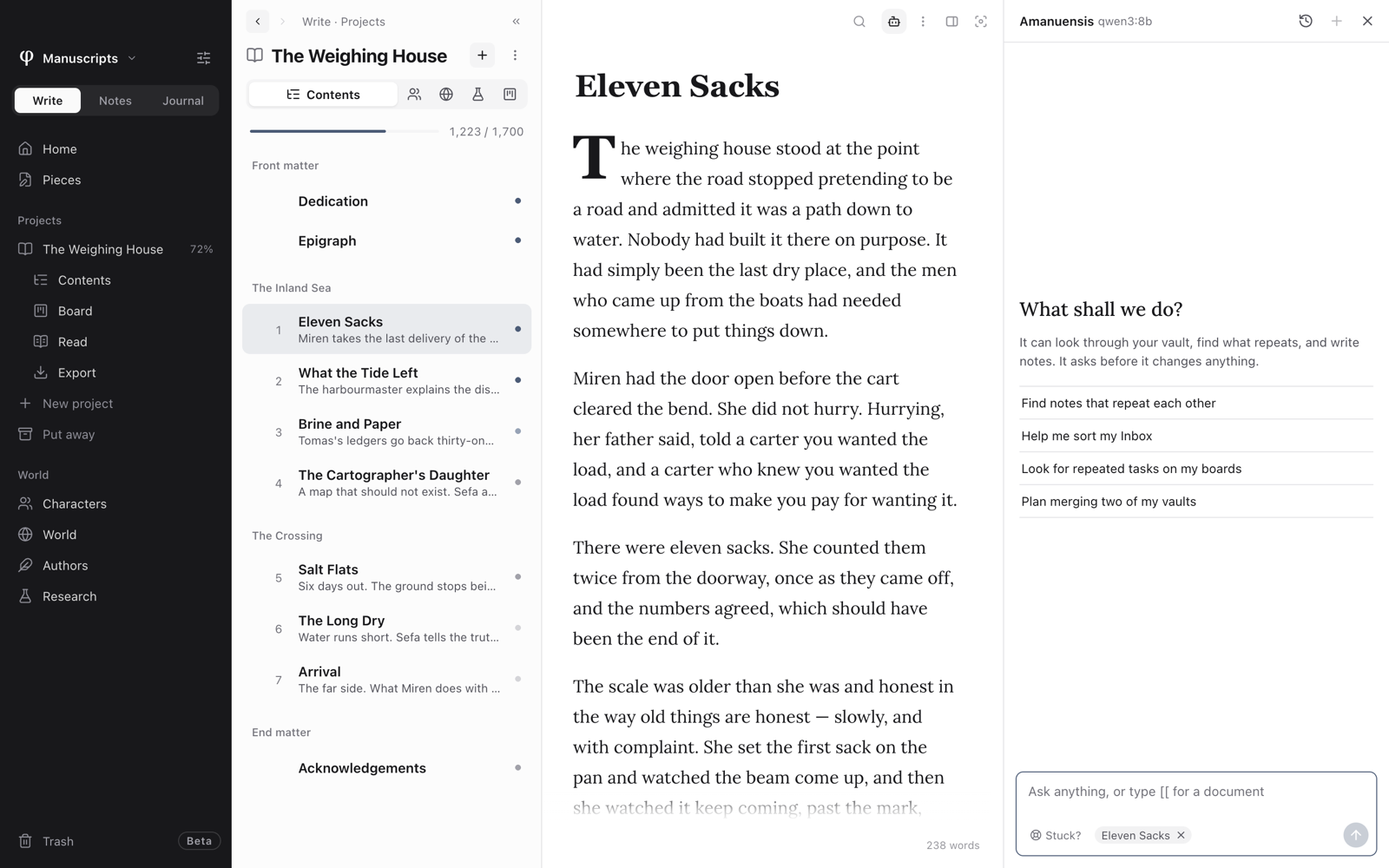
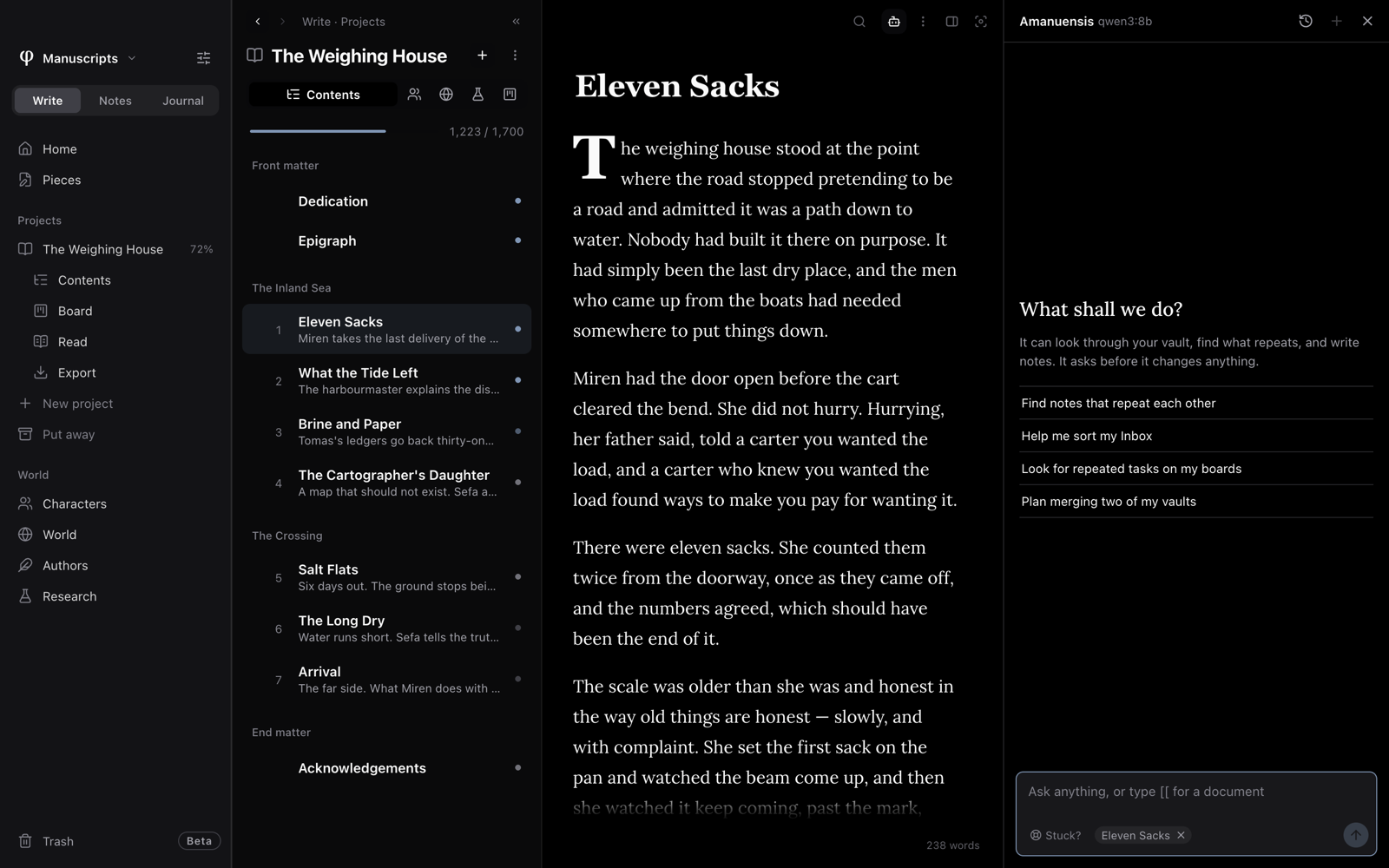
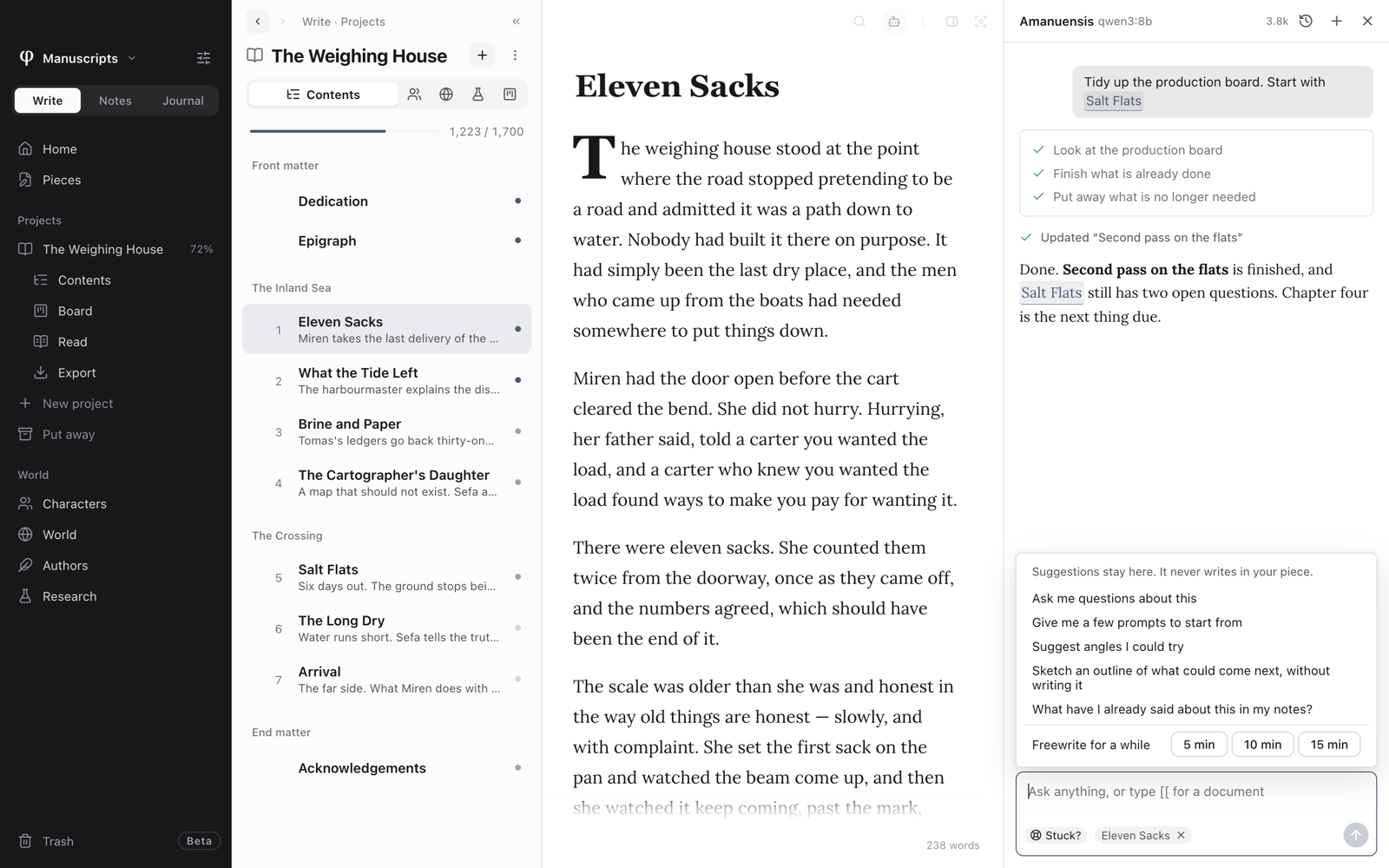
Use the bot button on the page's toolbar, or press ⌘G then A. It stays open as you move around.
Give it permission
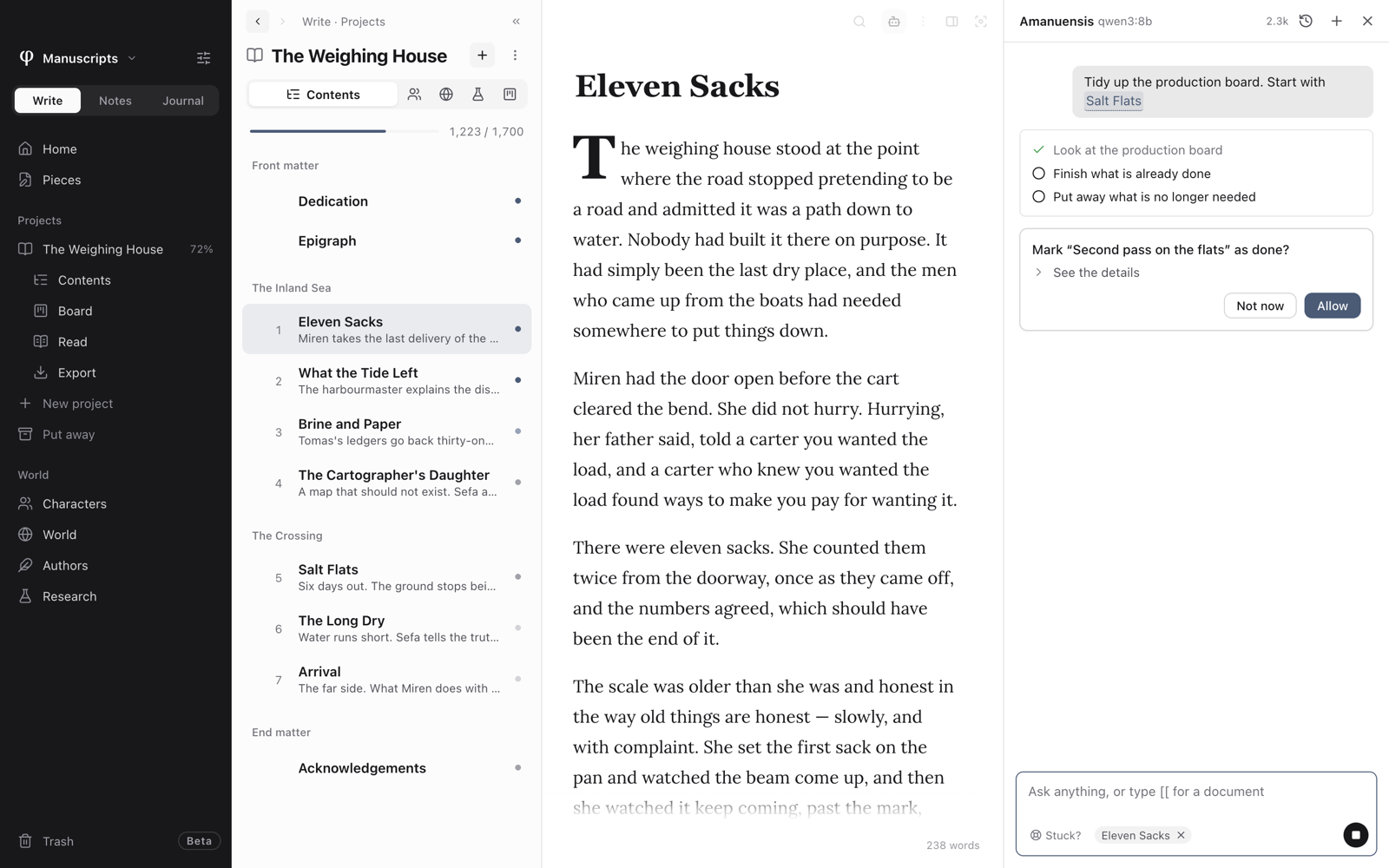
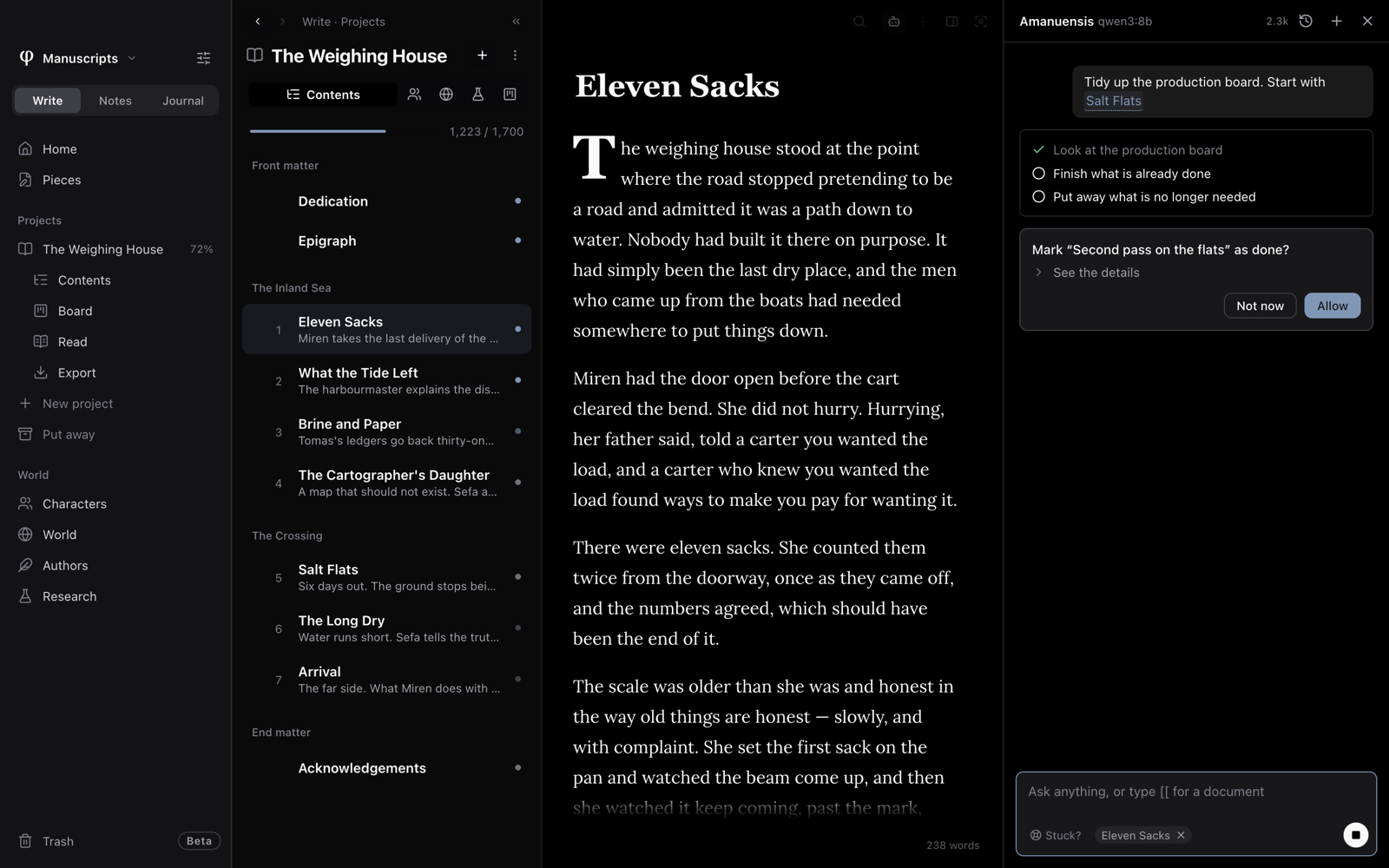
Amanuensis can only do what the vault's switches allow. They're all off until you turn them on, under This vault in Settings → AI. Each change also waits for you to choose Allow or Not now.
Link a document
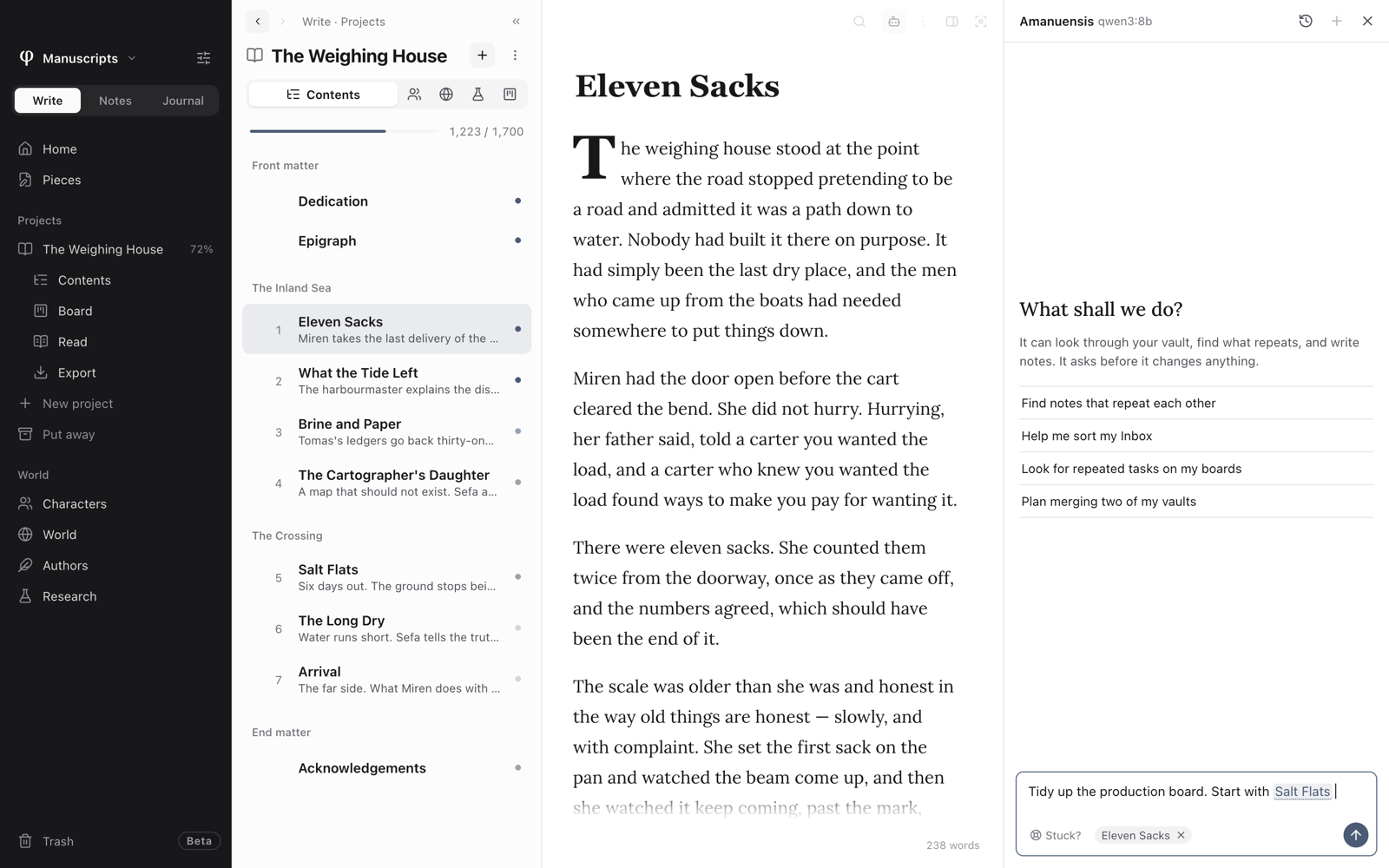
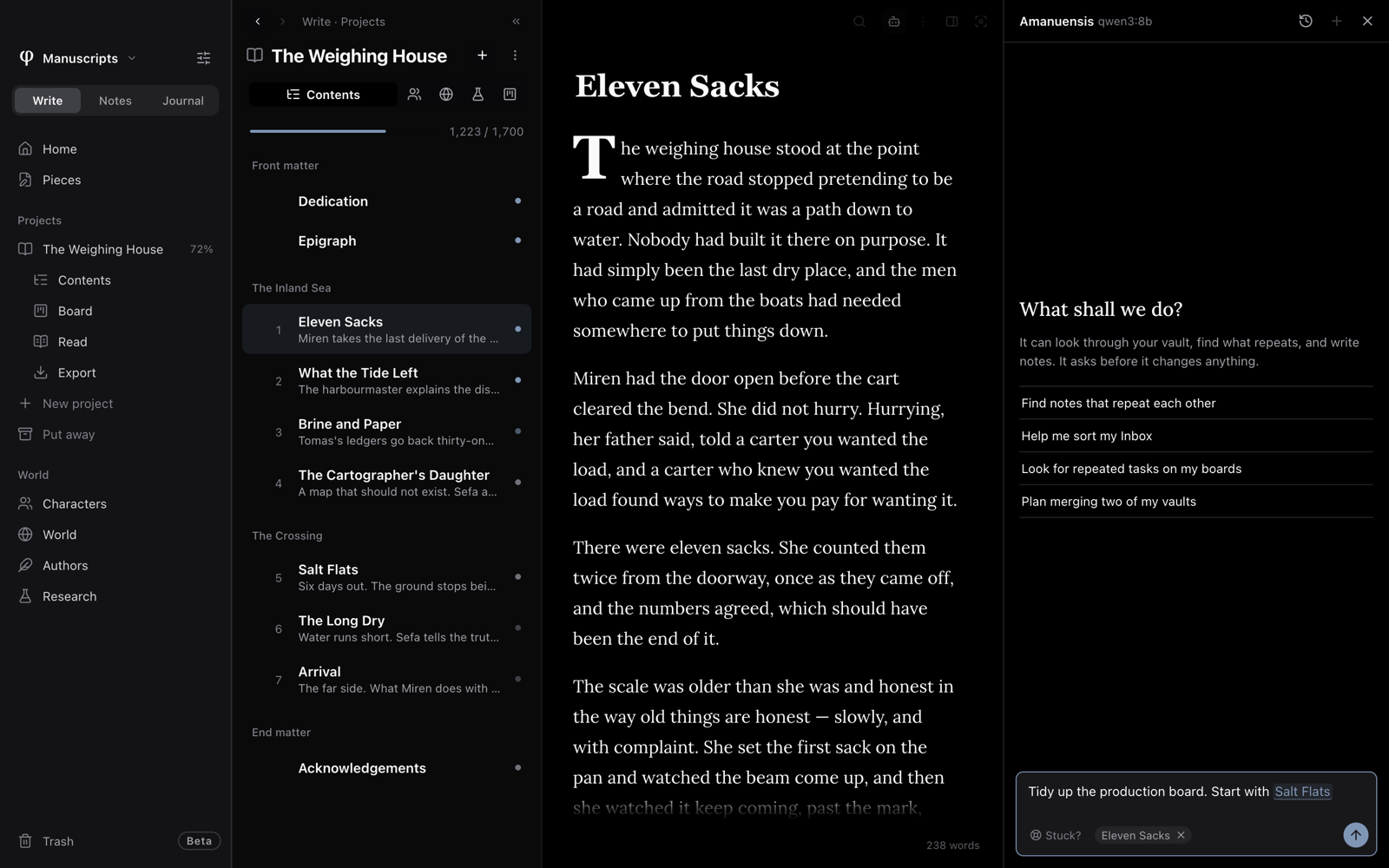
Type [[ in your message and pick a document. The link stays in your sentence, as in the editor.
When you're stuck
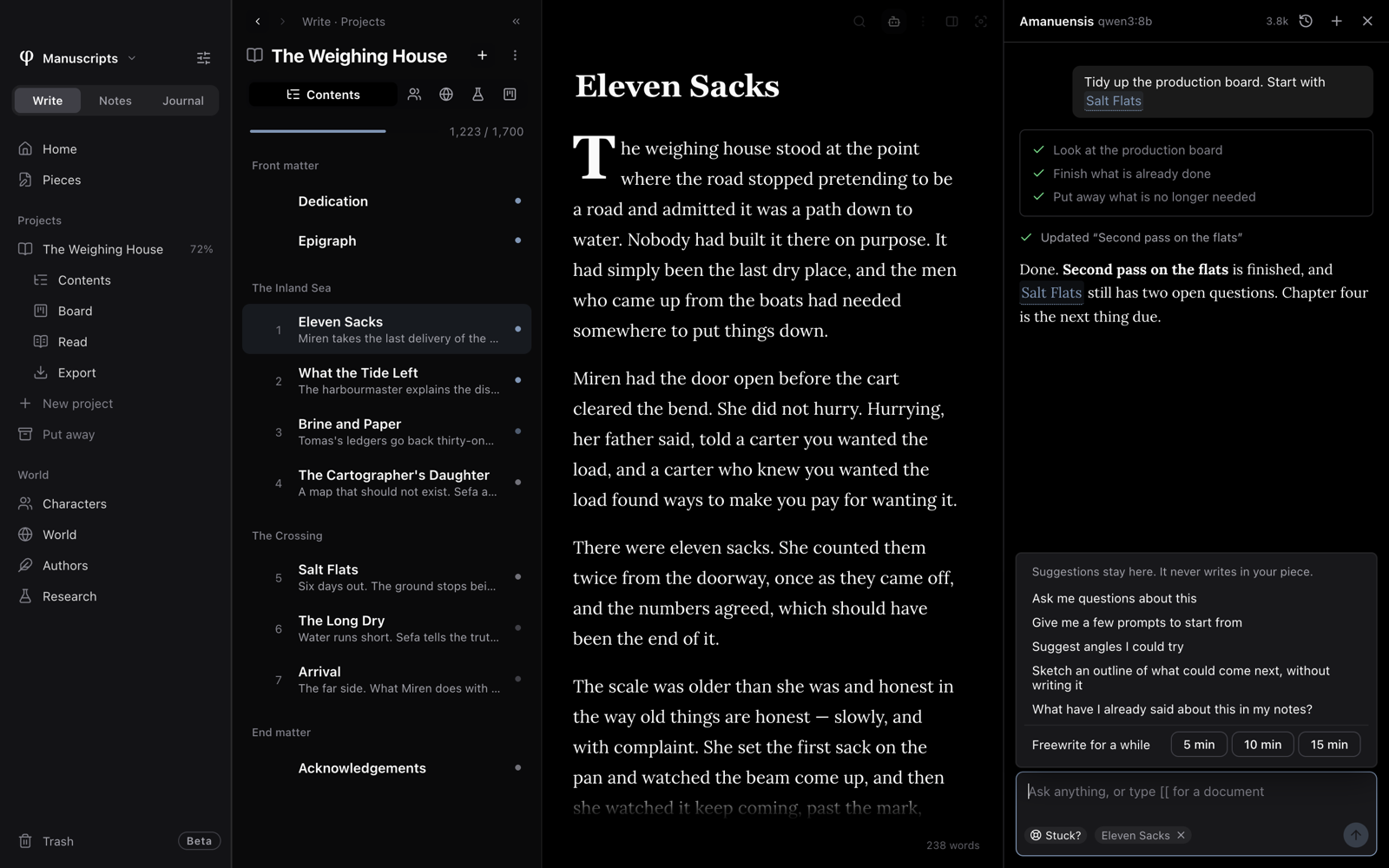
Choose Stuck? in the message box for questions about your piece, prompts, angles to try, an outline of what could come next, or what your own notes already say. You can also start a 5, 10 or 15 minute freewrite timer, which doesn't use AI.
Suggestions stay in the panel. To keep a reply, hover over it and choose Save to a note, and it goes to your Inbox. A note saved this way, or written by an agent, doesn't count toward your words.
Past chats
The clock button lists past chats. You can search, rename and delete them.