How exporting works
Exporting makes a file from your writing that you can use outside φ Poiesis. From a project, such as a book, Poiesis can make:
- a print-ready book and its cover;
- an ebook;
- a manuscript for an agent or publisher;
- a copy to share.
First you say where the book is going. Then Poiesis shows only the choices that destination needs.
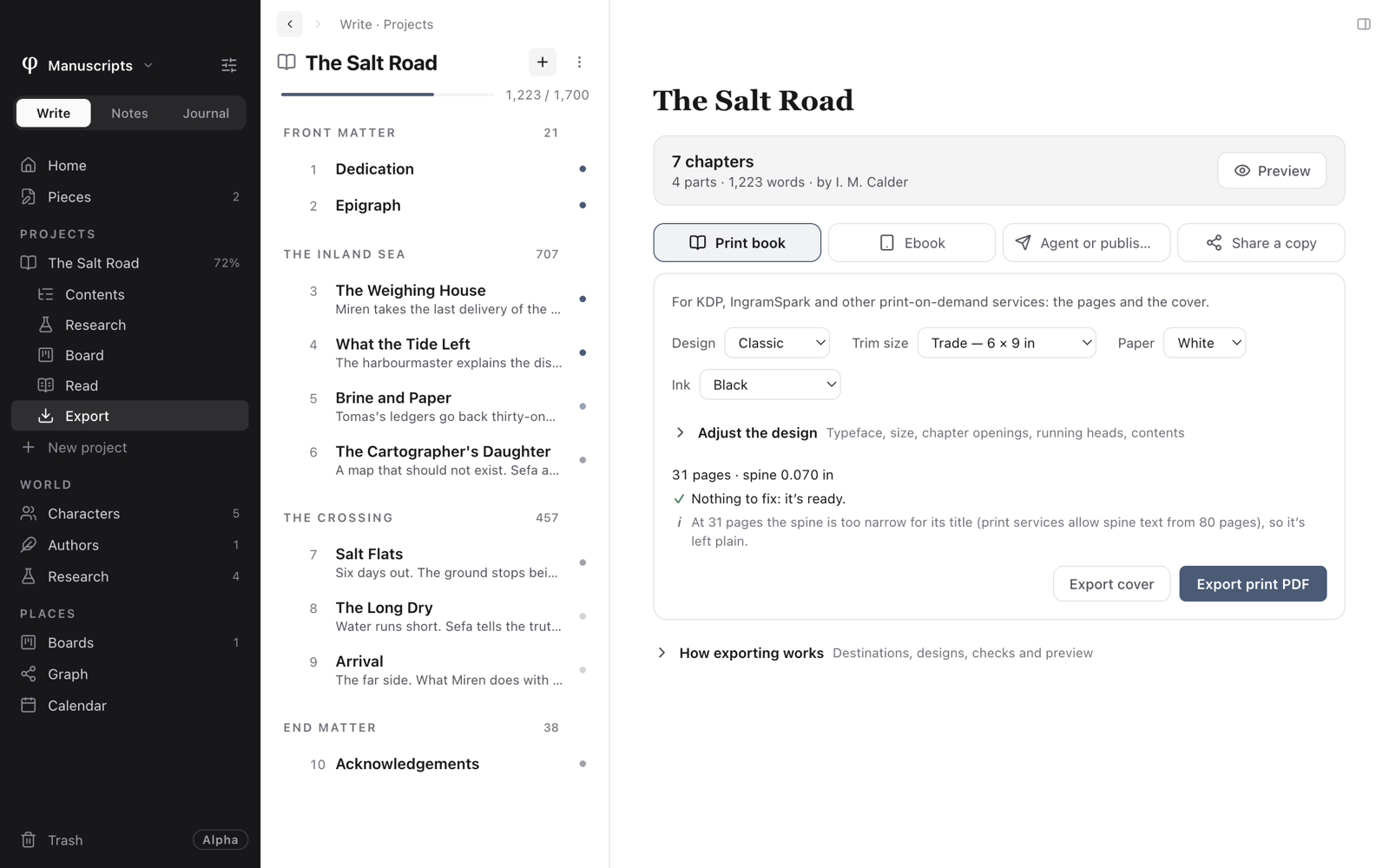
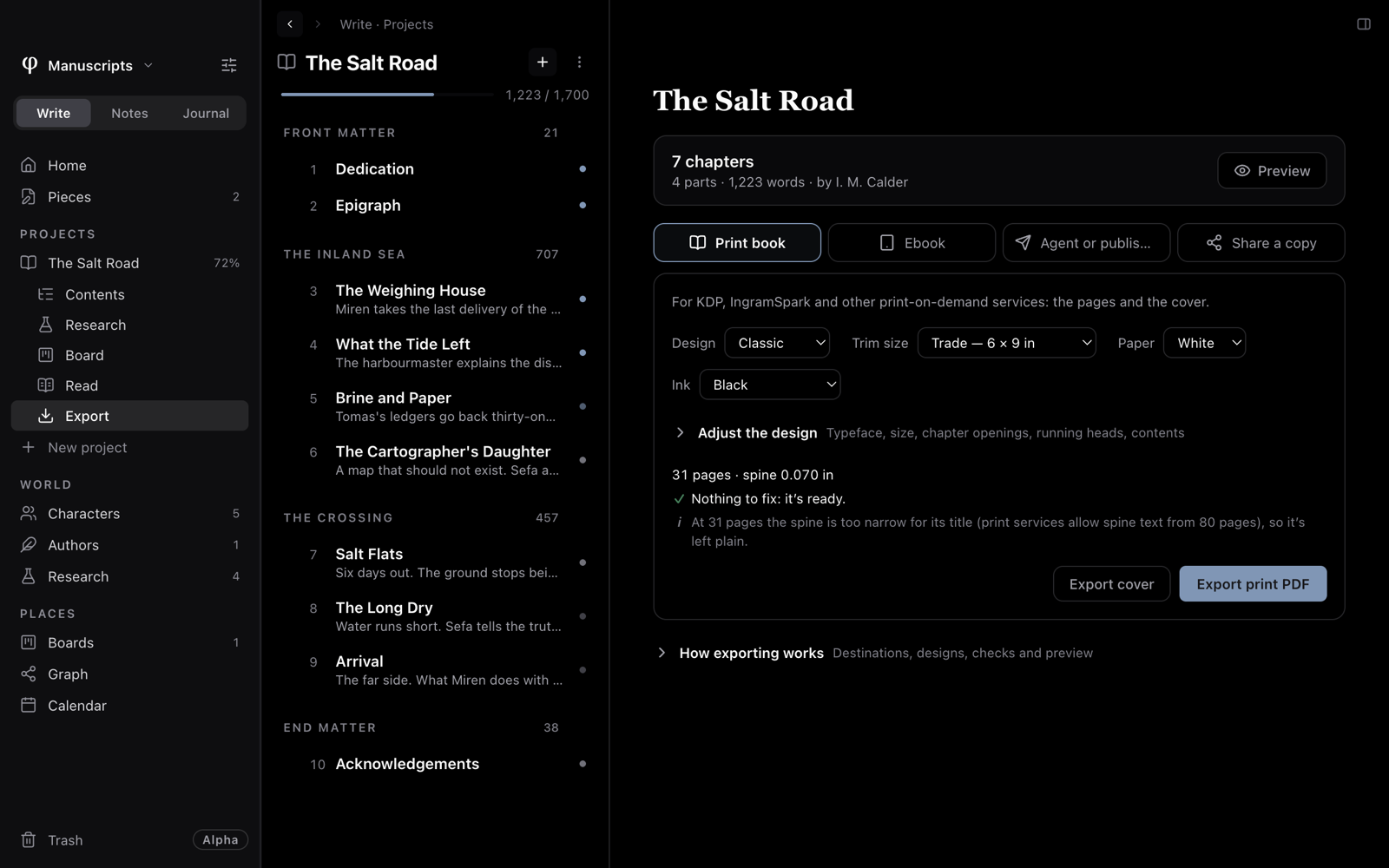
Export a project
- Open the project in Write.
- Choose Export under the project in the sidebar.
- Pick the destination: Print book, Ebook, Agent or publisher or Share a copy.
- Make the choices that the tab asks for. Poiesis checks the book while you choose and lists anything you need to fix.
- If you want to see every page first, choose Preview.
- Press the export button and choose where to save the file.
Poiesis makes every file on your computer. Exporting never changes your documents, so you can export as often as you like.
The four destinations
| Destination | What you get | Read more |
|---|---|---|
| Print book | The interior PDF and the full-wrap cover for KDP, IngramSpark, Lulu and other print-on-demand services. | Print a book |
| Ebook | An EPUB for Apple Books, Kindle, Kobo and Google Play. | Make an ebook |
| Agent or publisher | Your manuscript in Standard Manuscript Format, in Word or PDF. | Send to an agent or publisher |
| Share a copy | A PDF to read, Word to keep editing, a web page, Markdown, Rich Text, or a copy of the whole project. | Share a copy |
Poiesis remembers the destination and your choices for each project.
Check before you export
While you make your choices, Poiesis builds the book in the background. It does not save anything. The tab then shows what Poiesis found:
- the page count and spine width, for a printed book;
- anything to fix. Examples: a missing cover, cover art too small to print sharply, a picture with no description, or contact details missing from your author profile;
- or Nothing to fix: it's ready.
There are two kinds of notes:
- Some notes are only for your information. Example: the spine is too narrow to show the title. You can still export.
- Some problems would spoil a published file. Example: a missing picture. You cannot export until you fix these.
The book's own pages
These pages are the title page, the copyright page, the dedication, the epigraph, the "Also by" page and "About the author". You do not type them in a document. Poiesis makes them from what you enter in the project:
- You set the cover and the description at the top of the project's page.
- Everything else is in Book details, on the same page.
- "About the author" comes from the first author's profile.
Export a single document
To export one document and not a whole project:
- Open the document.
- Press
⌘Pand choose Export document as…, or open the document's ⋮ menu. - Choose a format.
The formats are:
- Word
- Markdown
- an HTML page
- an HTML fragment (only the body, for pasting into a website)
- Rich Text
- plain text
- TextPack
Copy as Markdown copies the document's text, or your selection, to the
clipboard as Markdown. The copy has no title and no front matter. You find
this command in the command palette (⌘P) and in the document's ⋮ menu.
Links between your own documents ([[wiki links]]) become plain text in
every format. A reader outside your vault could not follow them.
Print a document
To print the document you are writing, on your own printer:
- Open the document.
- Choose File → Print…, or press
⌘Pand choose Print…. - Beside the preview of the first page, set the page up:
- Paper: A4, Letter or A5.
- Margins: Narrow, Normal or Wide.
- Type size and Line spacing.
- Title on the first page, Page numbers and Keep highlight colours.
- Press Print…. Your computer's print dialog opens. Save as PDF is there too.
Footnotes are numbered and gathered at the end. Folded toggles print in full. Comments don't print.
This prints the page as you wrote it. To make a manuscript or a book, use Export.
See also
- Preview: every page before you export.
- Designs & adjusting them: how the book looks.
- Book details: what the title and copyright pages show.
- Importing: bringing work into Poiesis.