Memories & celebrations
φ Poiesis remembers your writing for you. It shows you what you wrote on this day in earlier years, tells the story of each year you wrote, and marks the milestones you reach with a short burst of confetti.
Memories
A memory is something from this day in an earlier year: a document, a journal entry, a book you began, or a milestone you reached, such as a long streak. Memories come from the whole vault.
On each Home. The Home of Write, Notes and Journal shows a Memories card beside the page. It shows one memory at a time, with a line such as 3 years ago today and the opening of what you wrote, in the type you write in. When there is more than one, the dots under it move between them. Click the memory to open it.
When nothing happened on this exact day, the card shows the same week in earlier years instead, with a line such as A year ago this week.
Morning pages stay private. A memory never shows the text of your morning pages. It only says You wrote your morning pages., and it doesn't open them.
See all your memories
Memories lists everything from today and from this week in earlier years. To open it:
- Click All memories on the Memories card of any Home.
- Press
⌘Kand type "Memories". - In the calendar, open On this day and click All memories.
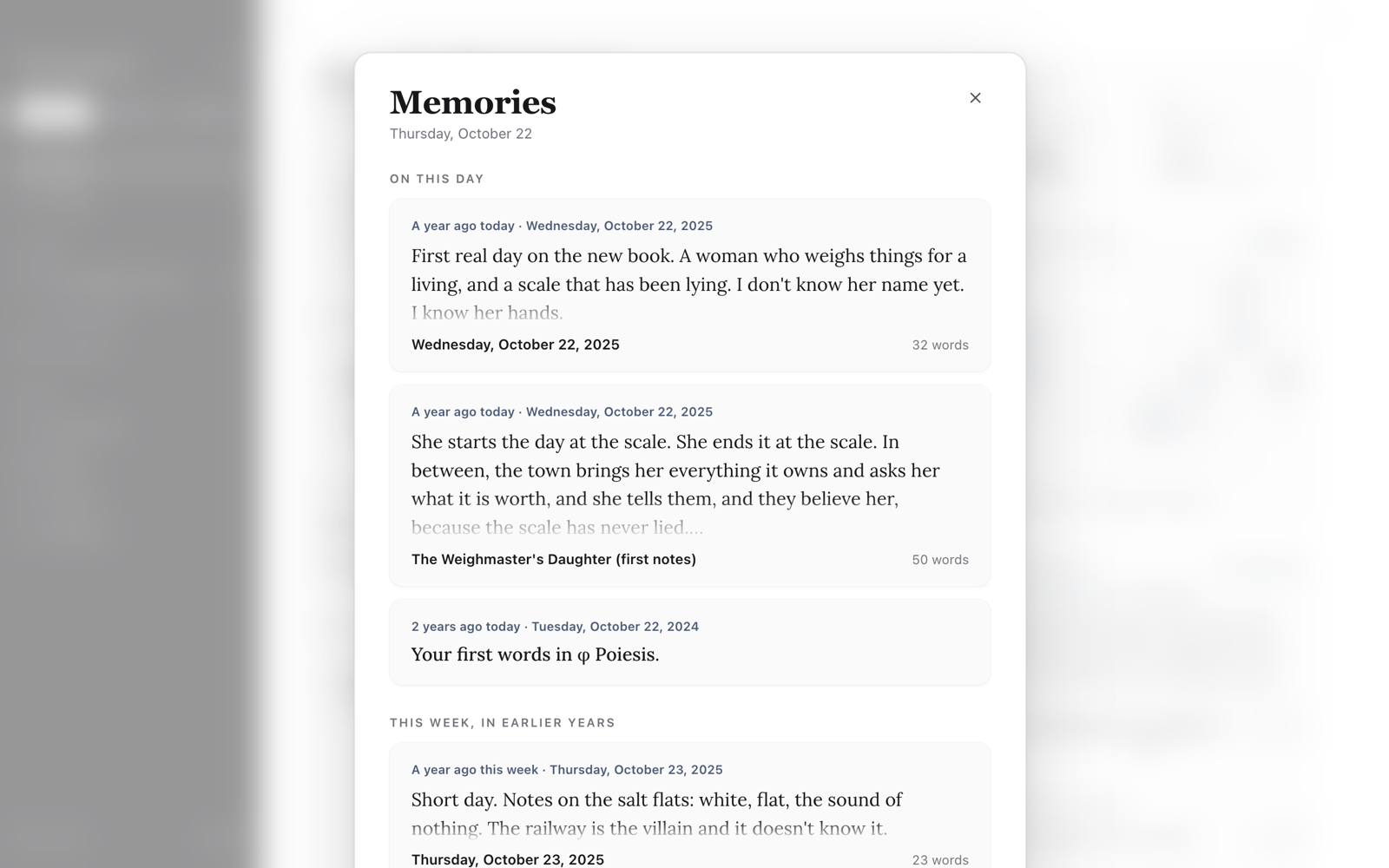
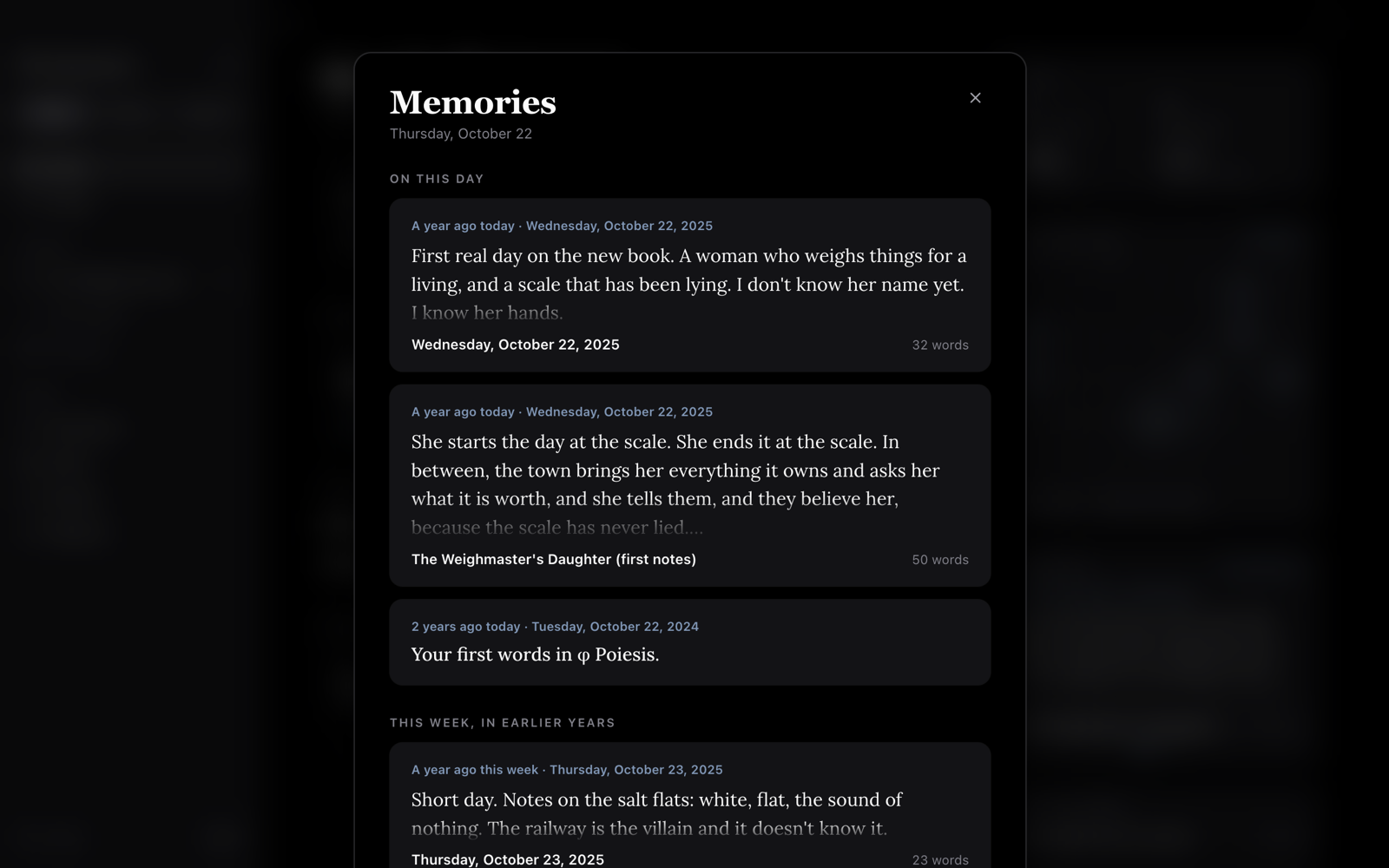
It has two parts: On this day and This week, in earlier years. Click
a memory to open it. At the bottom, Your years in writing lists each year
you wrote in. Click a year to open its story (see below). Press Esc to
close Memories.
A memory when φ opens
Once a day, when you open φ on a day that has a memory, a small card offers it in the corner of the window. Click it to open Memories, or click × to put it away. If you leave it, it goes away by itself.
To stop it, turn off A memory when φ opens in Settings → Appearance → Moments.
Your year in φ Poiesis

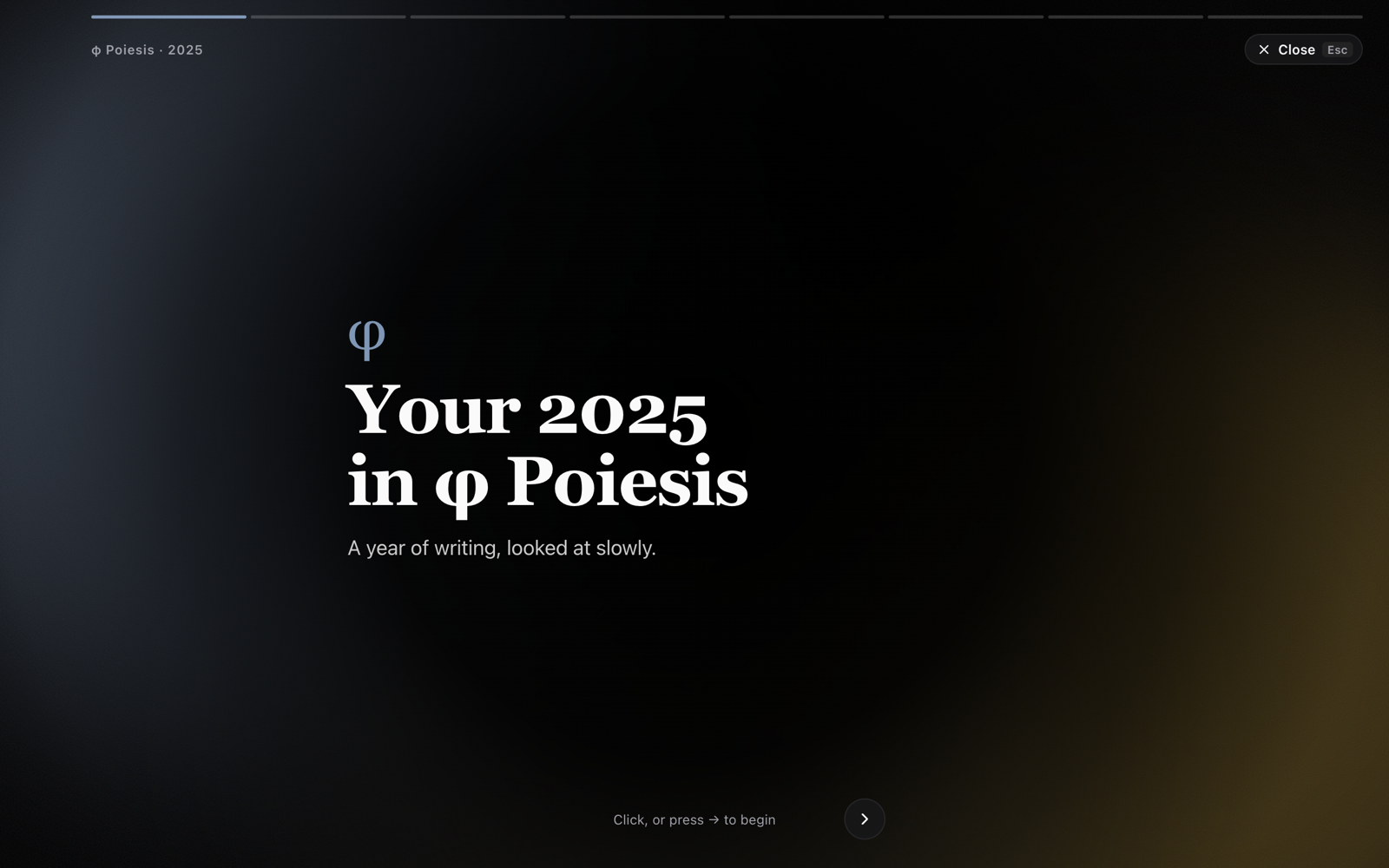
Your year in φ Poiesis tells the story of a year's writing, one card at a time:
- How many words you wrote, with a sense of their size (About the length of a novel.).
- The days you sat down to write, and your longest run of days in a row.
- Your fullest month, the day of the week you wrote most, and the time of day you usually began.
- Your journal entries and morning pages.
- Where the work went: the project you wrote most in, new documents, projects begun and goals reached.
- Your biggest day.
- How the year began, and where it left off.
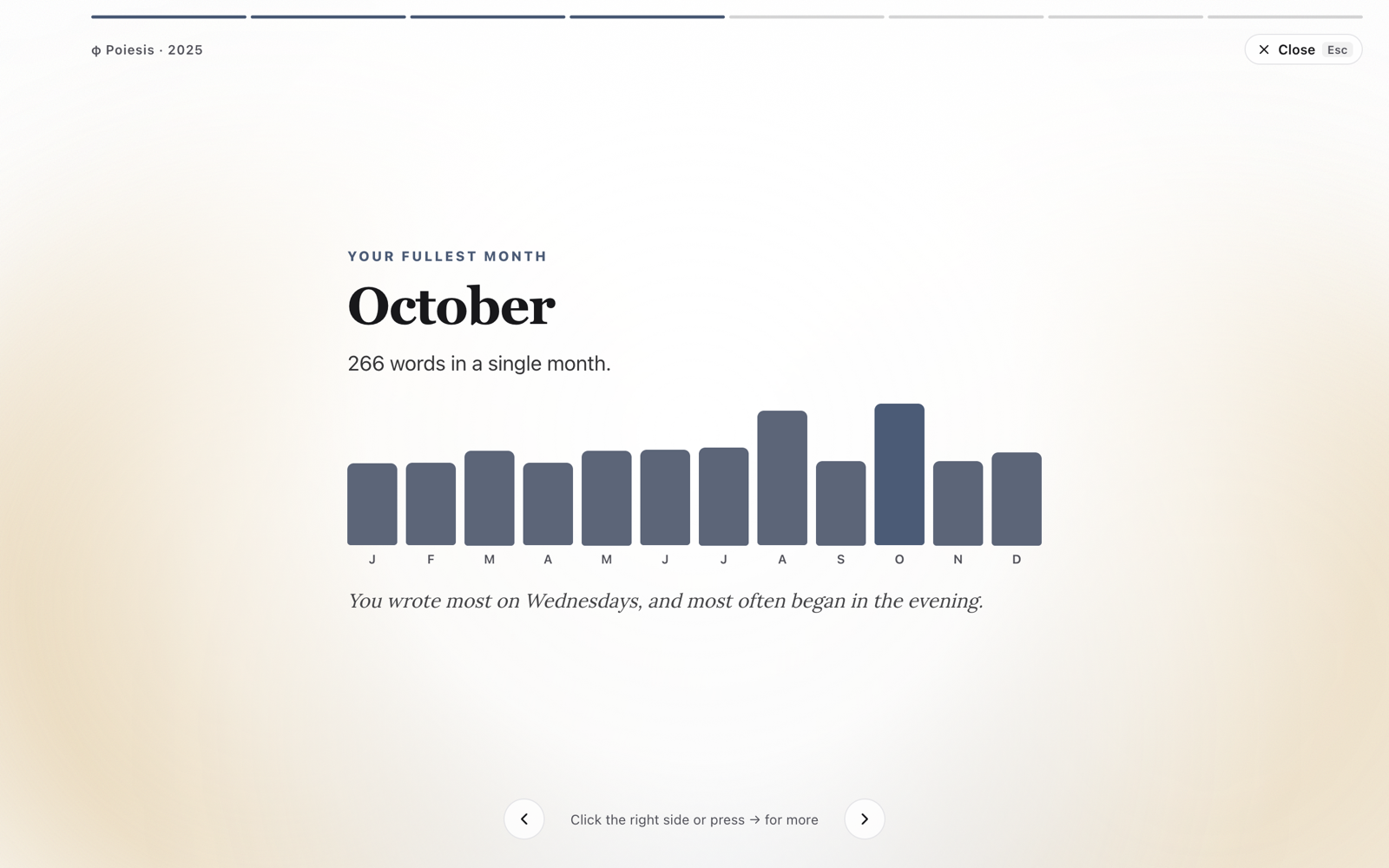
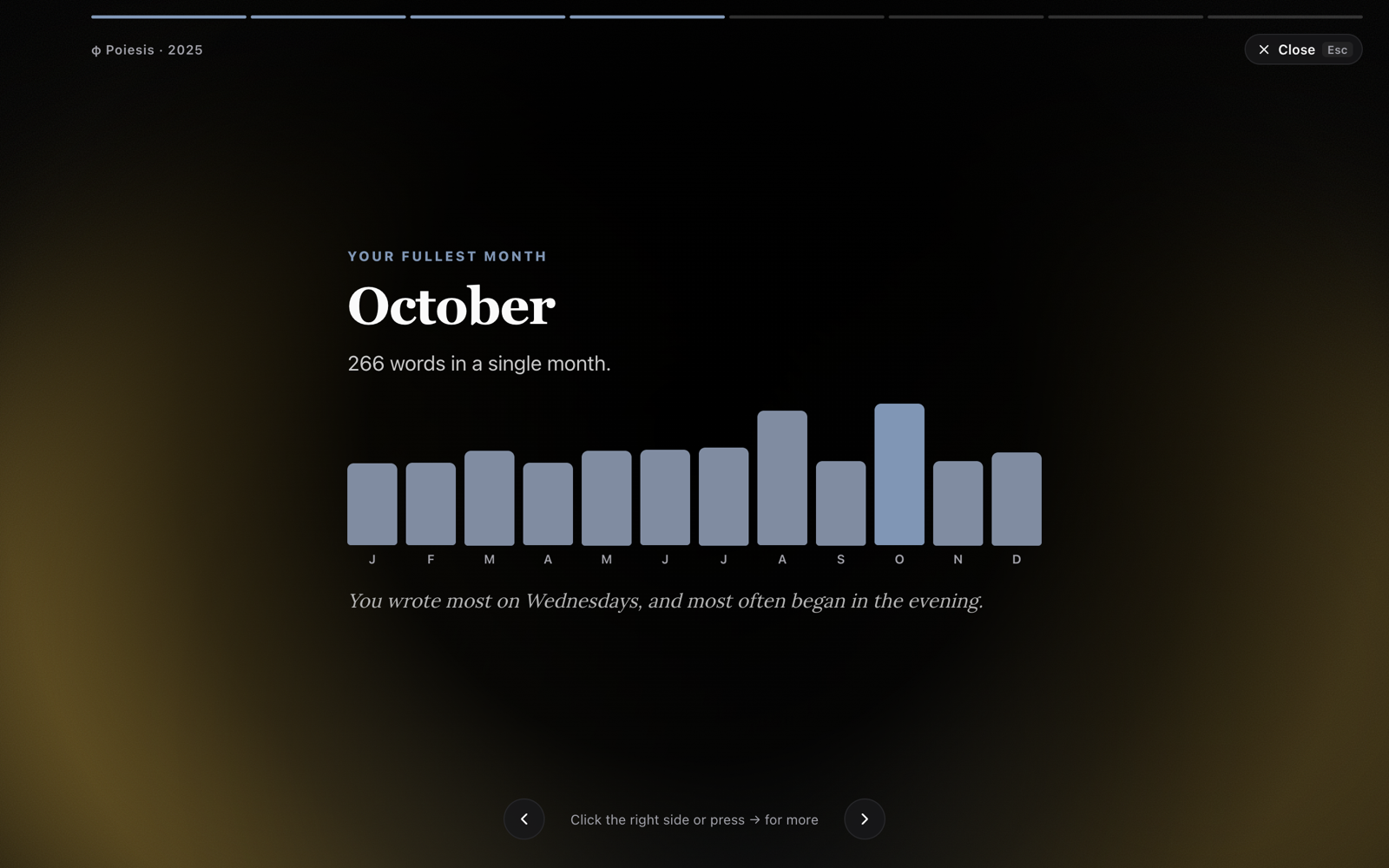
To move through it, click the card or press →. Click its left side or press
← to go back. Press Esc to leave.
On the last card, Save as image saves a picture of the year, and Done closes the story. φ makes the picture on your computer; nothing is sent anywhere.
Where to find it. From December 1 to January 15, a card on each Home
offers the year that is ending. Click it to begin. Any other time, press
⌘K and type the year, or open Memories and choose the year under Your
years in writing. The year you are in reads so far.
Celebrations
When you reach a milestone, φ plays a short burst of confetti, in the colours of your theme, with a line that says what you reached. φ celebrates:
- A streak of 7, 30, 100 or 365 days.
- 10,000, 50,000, 100,000, 250,000, 500,000 and 1,000,000 words written in φ.
- A book reaching its word goal.
- Your 1st, 30th and 100th morning pages.
Each milestone is celebrated once. What you reached before you had this version of φ is remembered, without a celebration.
To stop the confetti, turn off Celebrations in Settings → Appearance → Moments.
With Reduce motion on in your computer's accessibility settings, there is no confetti. Only the line shows. The numbers in your year's story also appear at once instead of counting up.
See also
- The calendar: your writing by day, and On this day.
- Journal & morning pages: how the streak is counted.
- Settings