Places, lore & the timeline
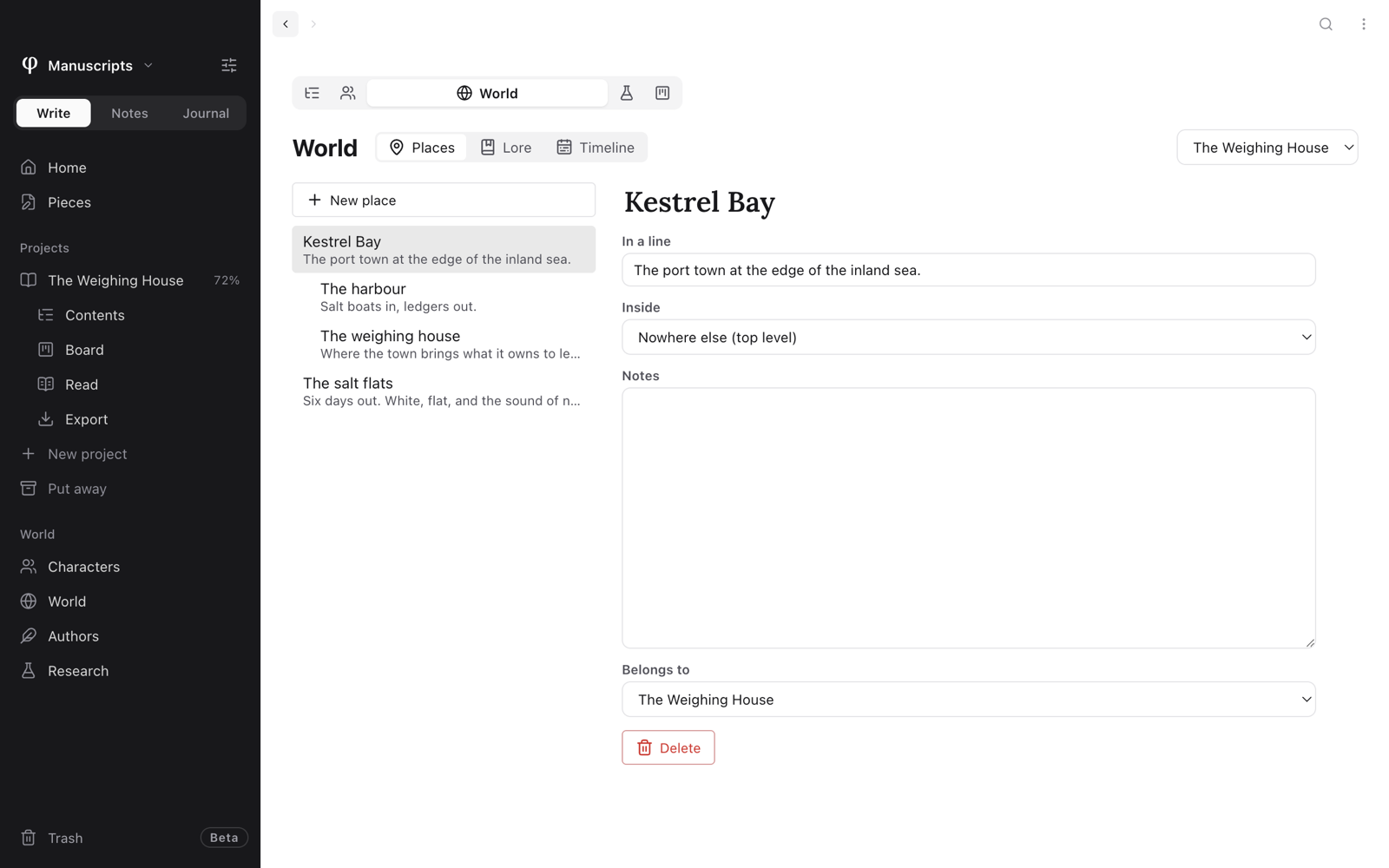
World keeps the rest of your story's world, beside its characters. It has three tabs:
| Tab | What it holds |
|---|---|
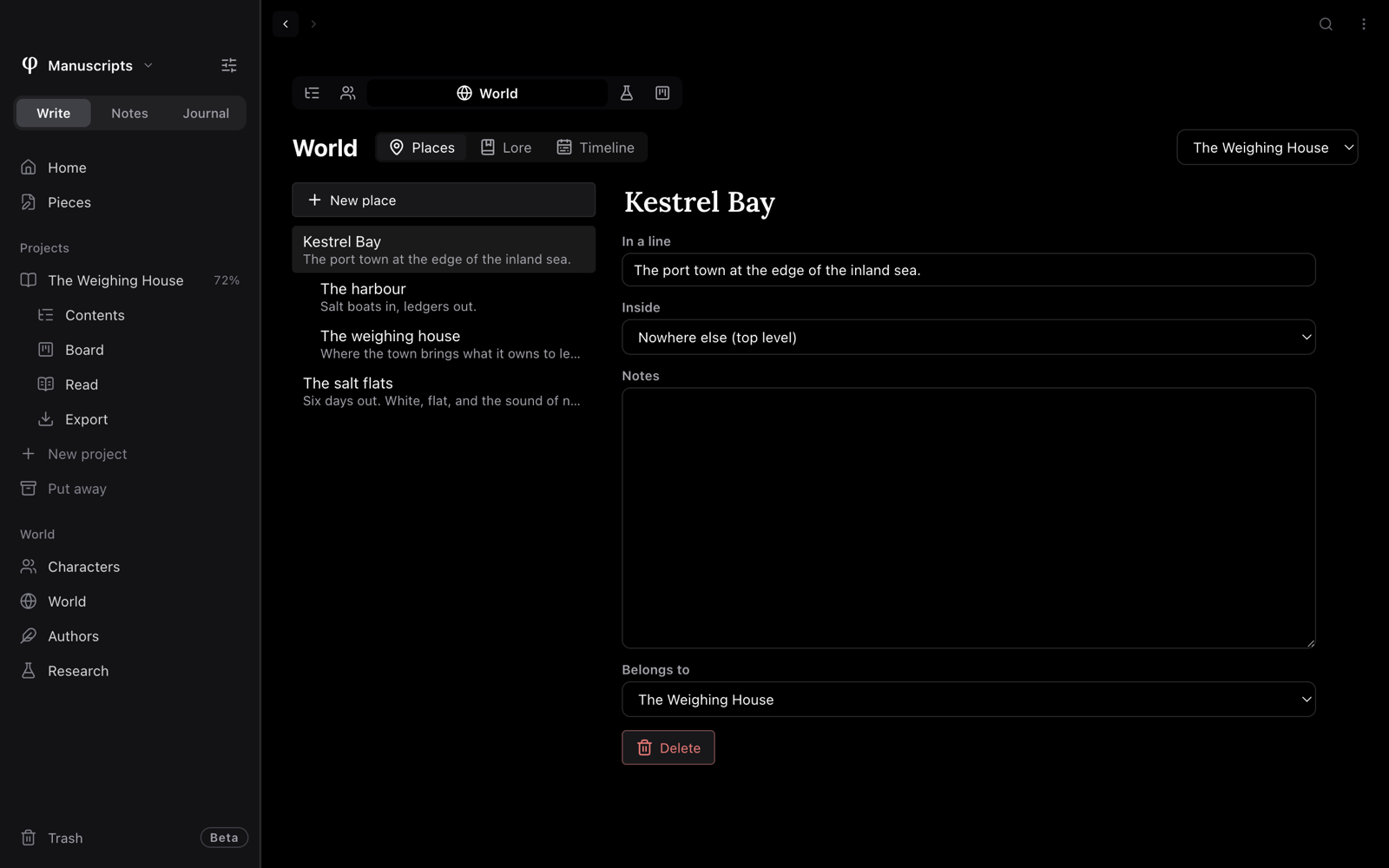
| Places | The towns, rooms and roads your story moves through. A place can sit inside another: a room inside a house inside a town. |
| Lore | Customs, histories, the rules of your world. |
| Timeline | What happens, in the story's own time ("Year 3, spring"), with where it happens and who is there. |
Everything saves as you type and syncs like the rest of the vault.
Open the world
- In Write, click World under World in the sidebar. This shows the world of every project.
- Inside a project, click the World tab under the project's name in the
list (
⌃3; Alt+3 on Windows and Linux). Or right-click the project in the sidebar and choose World. This shows that project's world. - Press
⌘GthenL. Inside a project, it opens the project's World tab; anywhere else, the vault's. - Press
⌘Pand choose World: places, World: lore or World: timeline.
The menu at the top of the page, Every project or a project's name, picks whose world it shows.
Add an entry
- Choose Places, Lore or Timeline at the top of the page.
- Press New place, New lore or New event, and type its name.
- Fill in the entry on the right.
Every entry has a Name, In a line (a short summary that shows in the list), Notes, and Belongs to: Every project, or one project, as with characters. A new entry made in a project's world belongs to that project.
| Kind | It also has |
|---|---|
| Place | Inside: the place it sits in, or Nowhere else (top level). What happens here lists the timeline's events set in it. |
| Event | When, in the story, such as Year 3, spring or the night of the fire. Where: one of your places. Who's there: the project's characters. |
Put the timeline in order
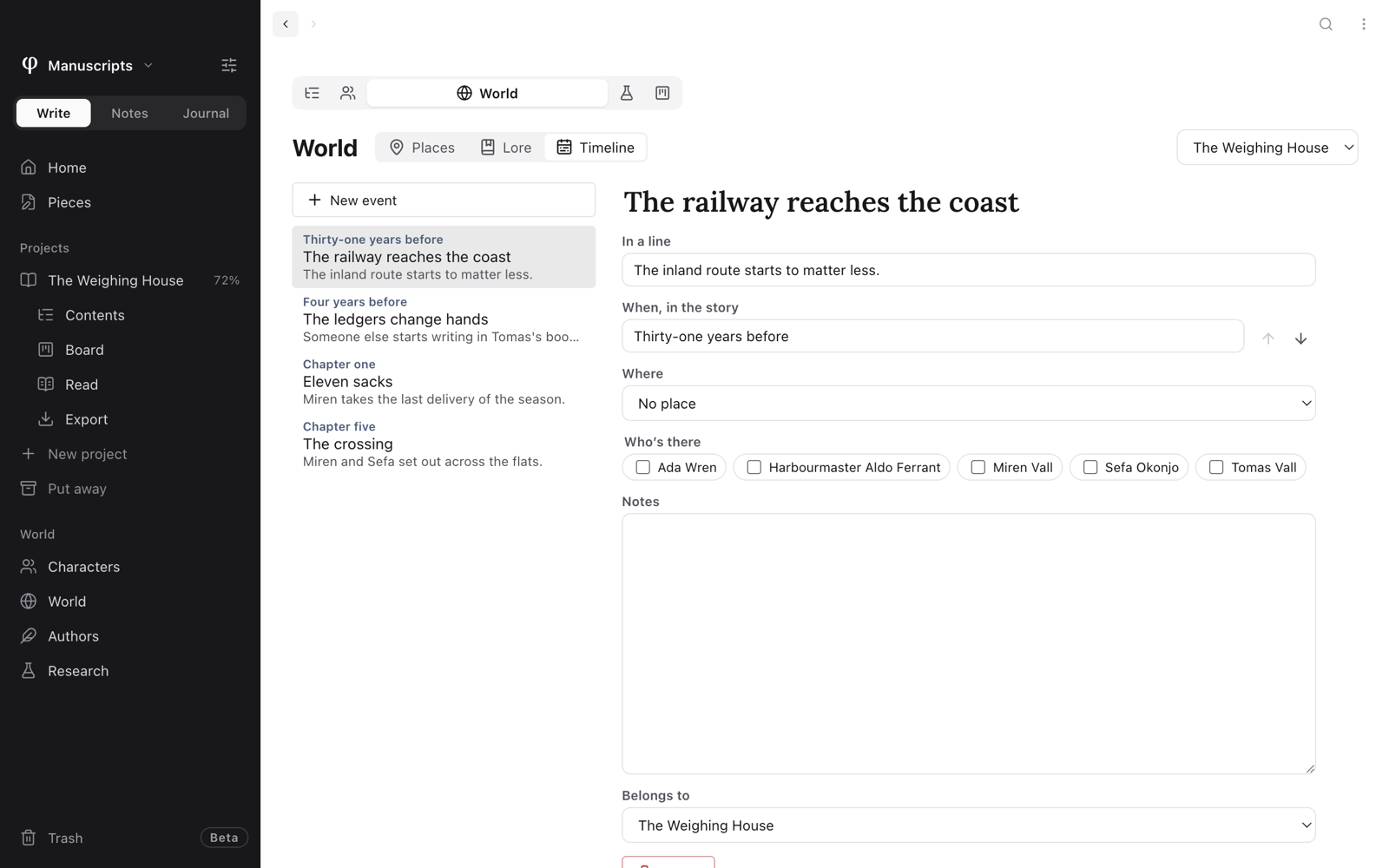
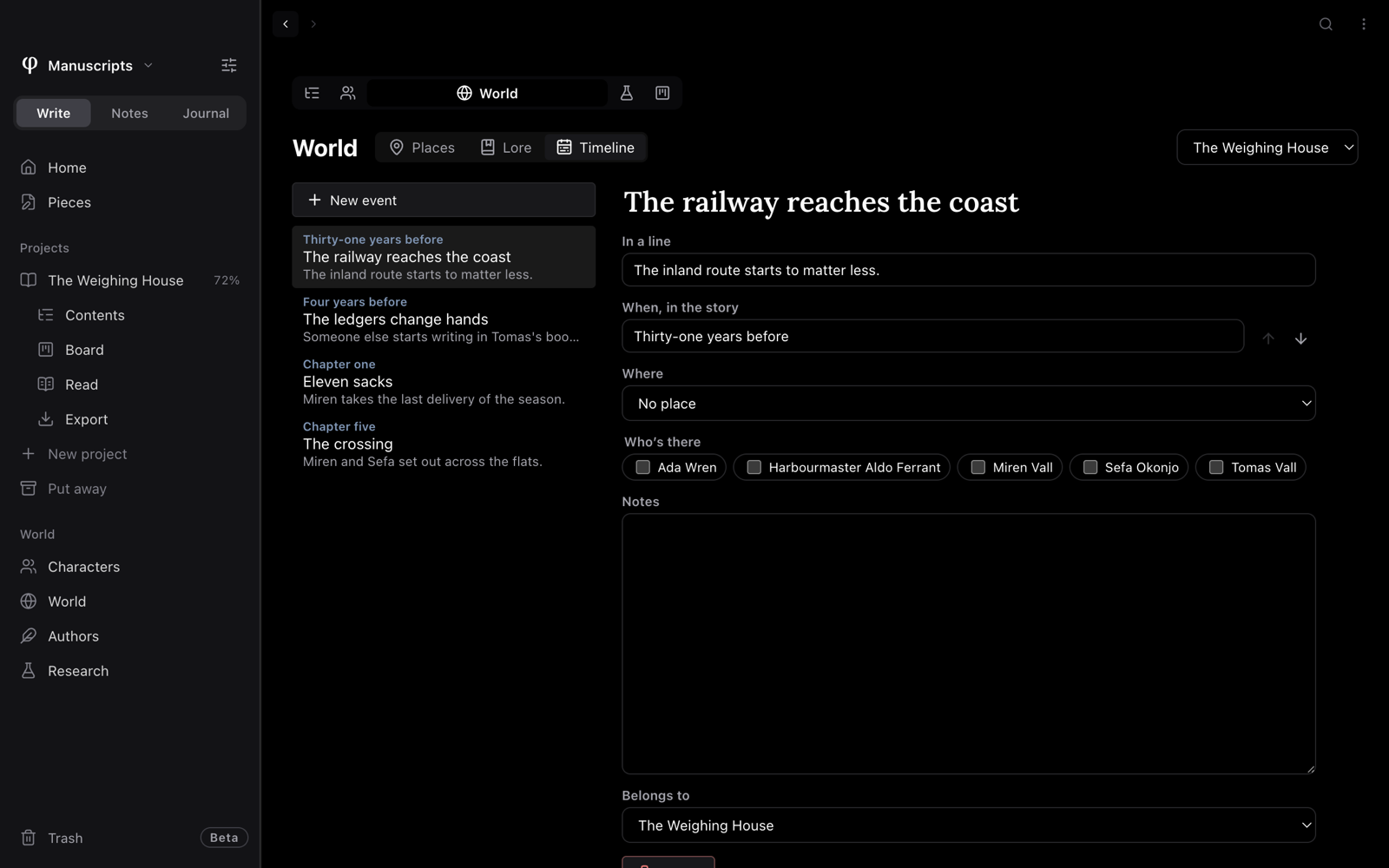
The timeline lists events in the order you set, not by date, since the story keeps its own time. To move an event, open it and use the Earlier and Later arrows beside Order on the timeline.
See what a document brings in
In a Write document, open the Info panel (⇧⌘I) and choose its World
tab. It lists:
- The characters the document brings in: @-mentioned, or named in the text.
- The places and lore it names.
- The research pages linked to it.
Click a character, place or lore entry to see a line about it, and Open to go to its sheet. Click a research page to open it beside the page.
Places and lore can't be linked from the text yet, so φ Poiesis finds them by their names in the text.
Delete an entry
Press Delete at the foot of the entry. φ asks first. The entry goes to the trash, where you can restore it. Places inside a deleted place move up a level.