Dictionary & thesaurus
φ Poiesis can show you what a word means, or other words with a similar meaning, next to the page you're writing. First you install one or more dictionary packs. After that, every lookup happens on your computer.
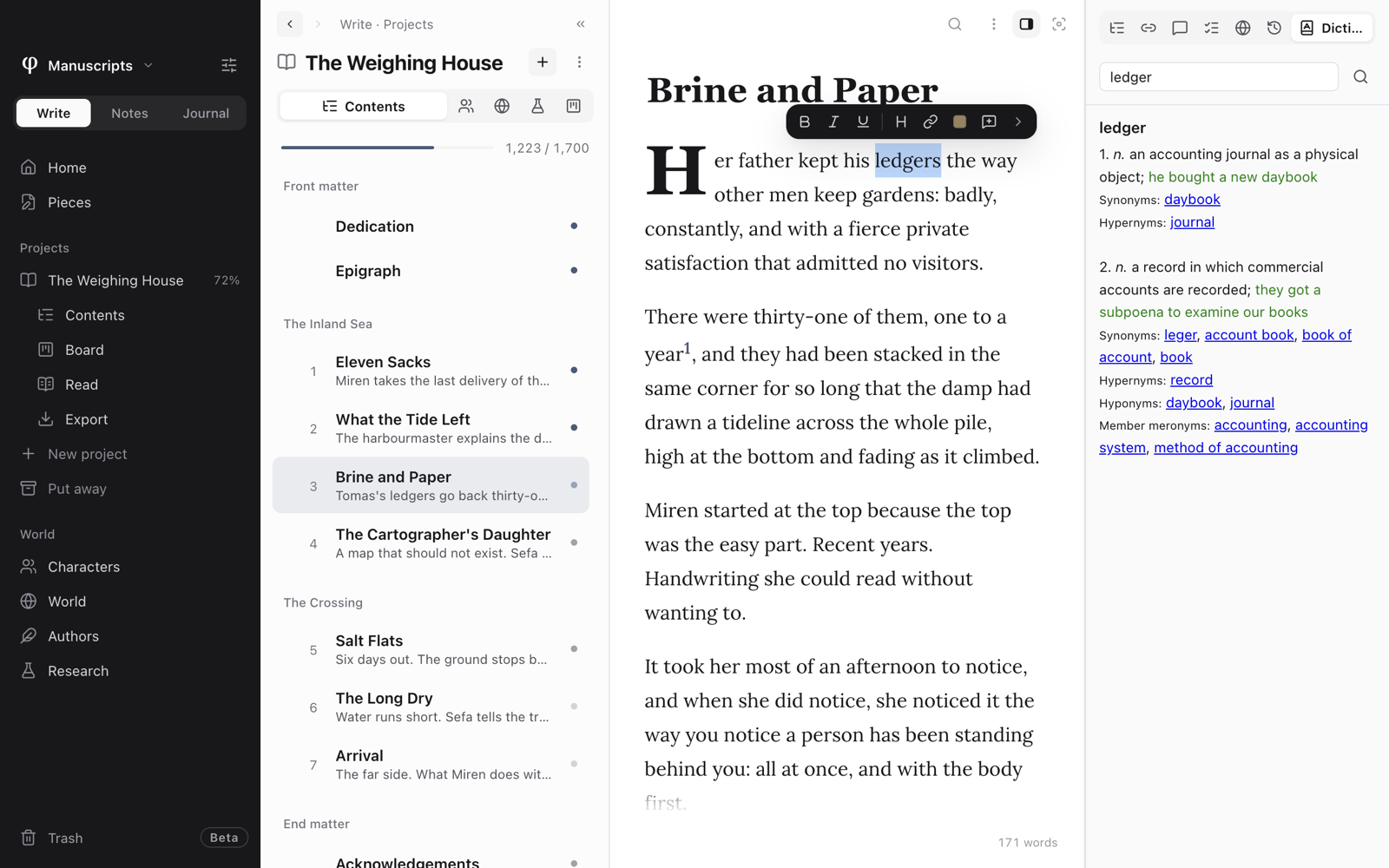
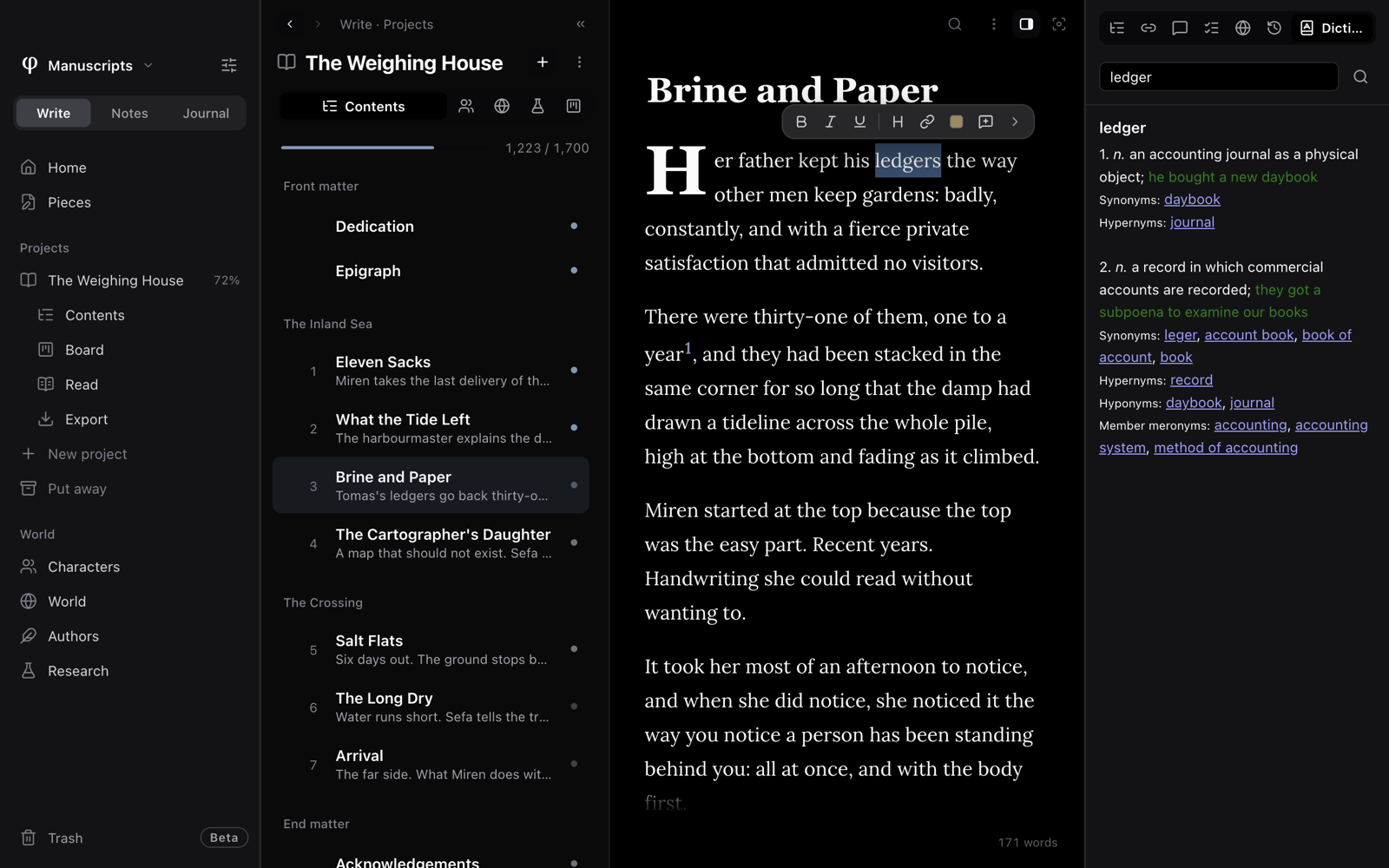
Look up a word
To look up a word in your text:
- Select the word on the page.
- In the toolbar above it, click More tools (›), then Look up word.
- Read the definition in the Dictionary tab of the Info panel, the panel beside your page.
To look up a word you haven't written:
- Press
⌘⇧D. You can also choose View → Dictionary, or Open dictionary in the document's ⋮ menu or in the command palette. - Type the word in Look up a word… and press
Enter. - Press
⌘⇧Dagain to return the panel to its Outline tab.
Each result shows the definition and the name of the pack it comes from. If the pack has synonyms, the result shows them too. Click a synonym or a cross-reference to look up that word.
You don't need to type the form of the word that a dictionary lists. Running, ledgers and cities find run, ledger and city. Many packs also have their own list of word forms, so a Spanish dictionary finds correr from corriendo.
The Dictionary tab is in the Info panel only while you're using it, and only when a document is open.
Replace a word with a synonym
There are two ways to swap a word in your text for another:
- Right-click the word. When an installed pack has synonyms for it, the menu has Synonyms, with up to eight words. Choose one. A misspelled word shows its corrections instead.
- Look the word up with Look up word in the toolbar. When the pack has synonyms, the Dictionary tab lists them under Replace “…” with. Click one.
The new word takes the old one's place, in the case you wrote it (Quiet
becomes Calm, not calm), and keeps its bold or italic. Press ⌘Z to put
the old word back. Antonyms and example sentences aren't offered as
replacements.
This works with any installed pack that has synonyms, in any language.
Install a dictionary
Poiesis doesn't come with a dictionary. The first time you open the tab, it says No dictionaries installed. Poiesis reads dictionary packs in the common StarDict format. To install one:
- Download a pack. Good free sources are freedict.org and wikdict.com. For English definitions with synonyms, a WordNet StarDict pack works well.
- Unzip it. You get a folder with files ending in
.ifo,.idxand.dict. Sometimes they end in.idx.gzor.dict.dz, which also work. - Open Settings → Language → Dictionary & Thesaurus.
- Click Install dictionary pack… and choose the folder.
You can use the pack immediately. Install as many packs as you like: a lookup searches all of them. A pack can be in any language. A bilingual pack lets you translate as you write.
Manage your packs
Settings → Language → Dictionary & Thesaurus lists each pack and the number of words in it. To remove a pack, click the bin beside it and confirm Remove dictionary?
Poiesis keeps installed packs in its own application folder. A lookup never goes online.
See also
- Spelling
- The editor: the selection toolbar.
- Themes & languages