Footnotes & citations
φ Poiesis can add three things a book may need: a footnote at the foot of the page, a citation that names a source in the text, and a bibliography that lists the sources you cited. They are part of the document, so every export includes them, in the place a reader expects.
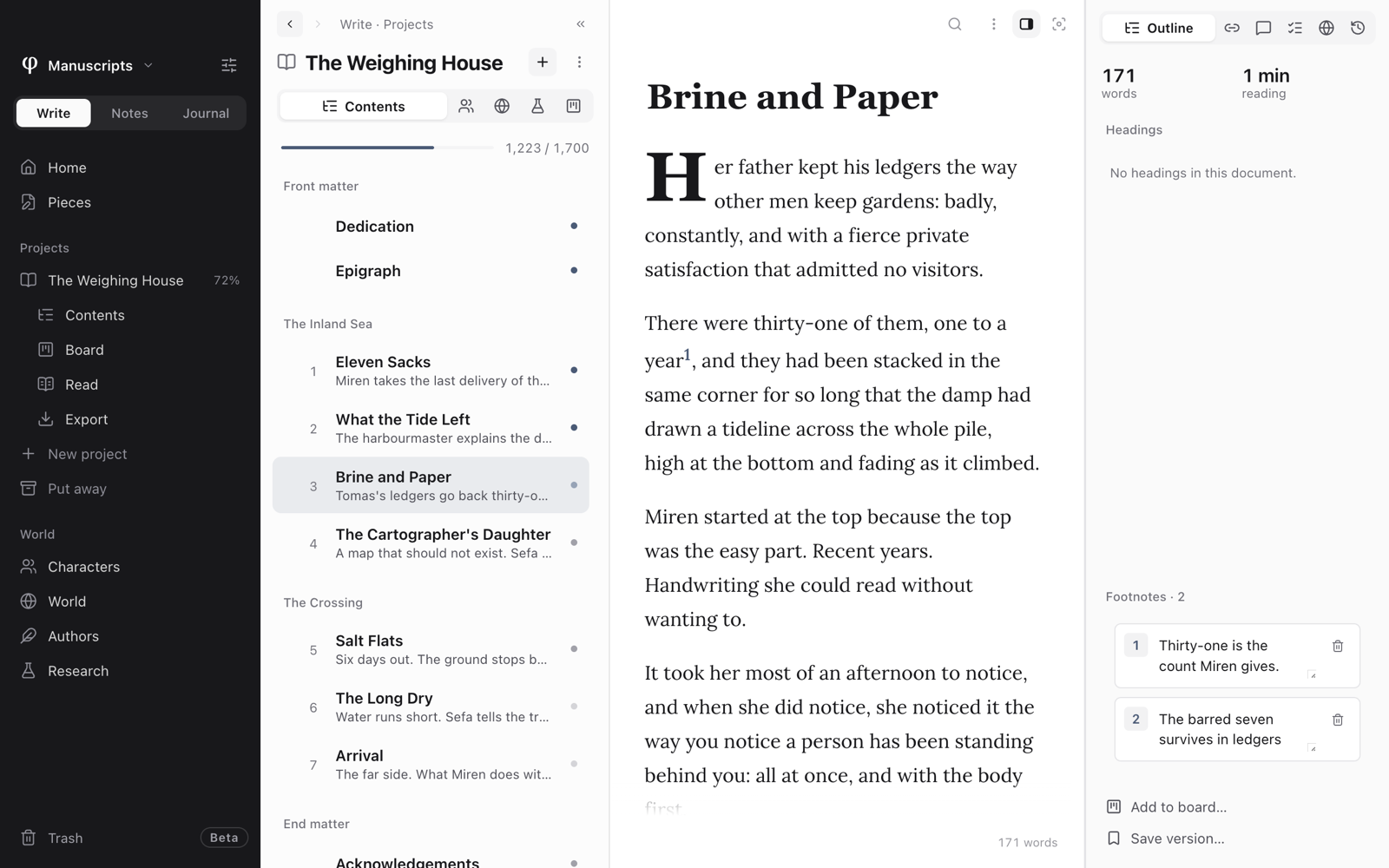
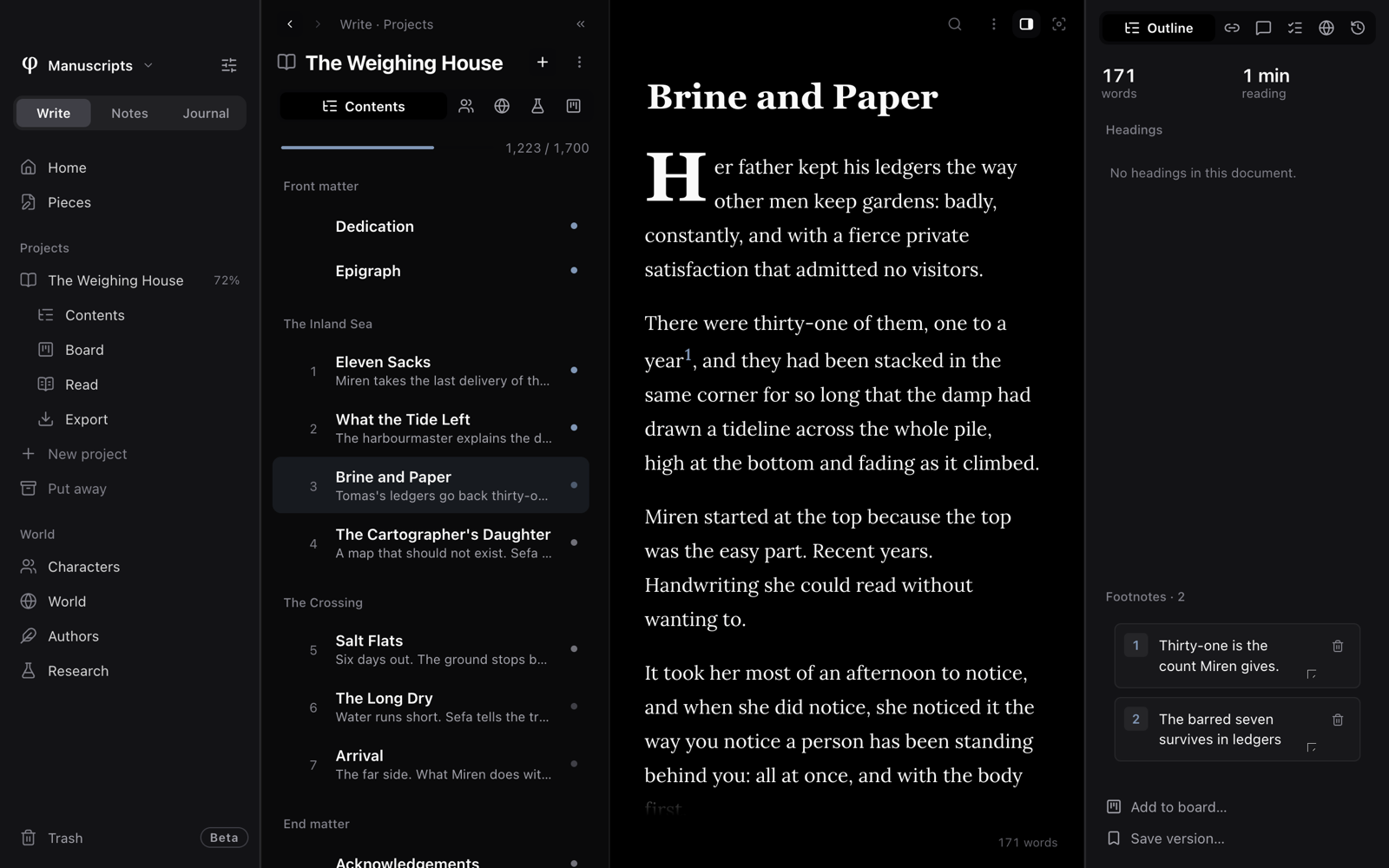
Footnotes, citations and the bibliography are available in the documents of Write: the chapters of a project, and pieces that are not in a project yet. They are not available in notes or in the journal.
Add a footnote
- Put the cursor where the footnote's number should go.
- Type
/footnoteand pressEnter. - Write the note in the Footnote box and confirm.
A small number, the marker, appears in the text. Poiesis numbers footnotes in order. If you add a footnote earlier in the document, Poiesis renumbers the ones after it.
Read and edit your footnotes
In the text:
- Point at a marker to read its note.
- Click a marker to change the note's text.
The Info panel (⌘⇧I), the panel beside your page, also lists every
footnote. Look on Outline, under Footnotes:
- Type in a note's box (Footnote text…) to edit it.
- Click its number (Jump to marker) to go to the marker in the text.
- Click the bin (Delete footnote) to remove the footnote. Poiesis renumbers the others.
Cite a source
- Put the cursor where the citation should go.
- Type
/citationand pressEnter. Cite a source opens. - Pick a source from the list. To find one, type in Search sources….
- If the source is not in the list, choose New source. Fill in Author (as Smith, Jane), Title, Year and URL (optional), then press Add & cite.
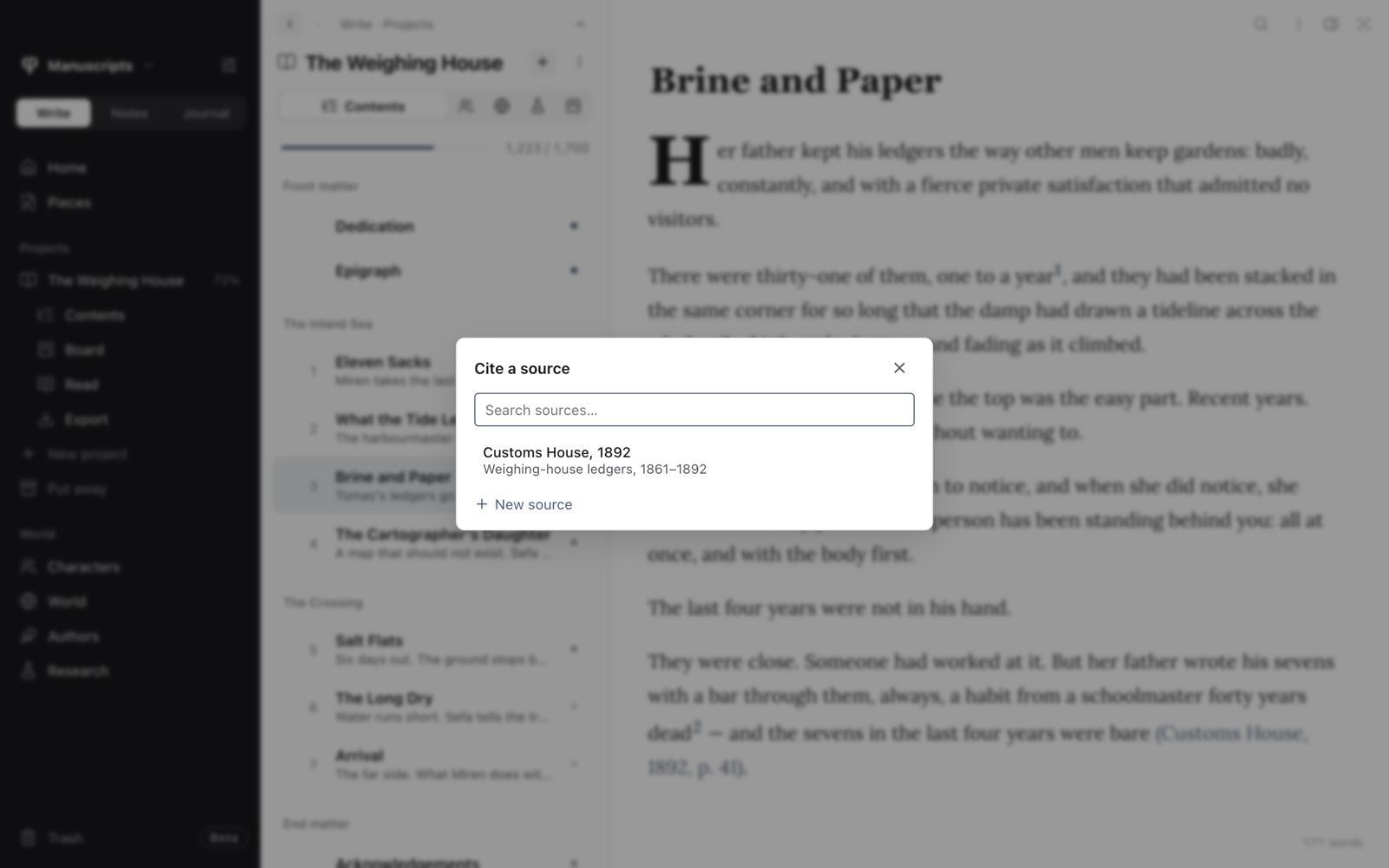
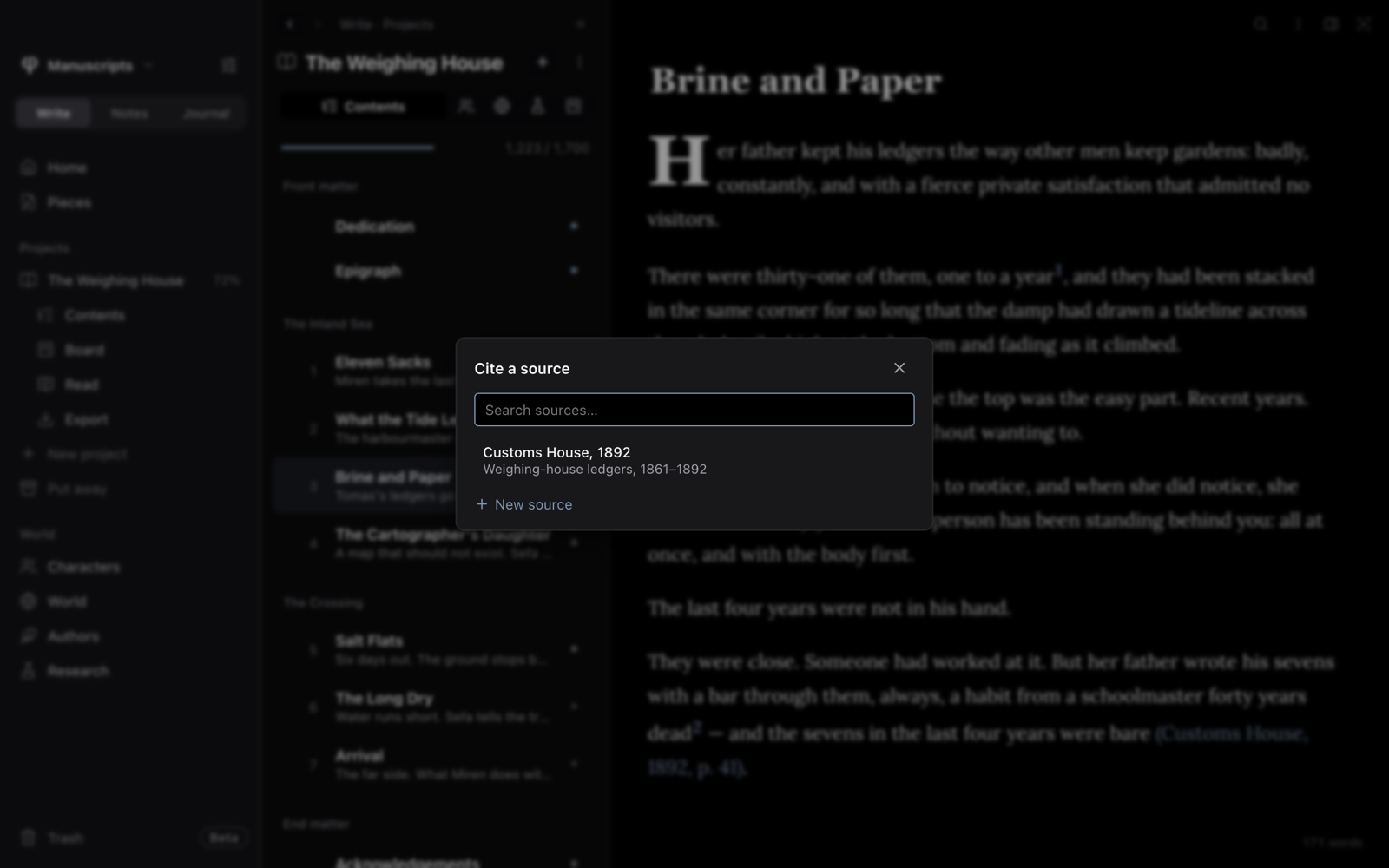
The citation appears in the text as author and year, such as (Smith, 2020). A source needs only an author or a title.
To change a citation, click it. The dialog opens as Edit source. You can:
- Edit the details and press Save. Every citation of that source changes too.
- Pick a different source.
- Press Remove source.
If a citation's source has been removed, the citation shows as (?), so you can find it easily.
Each document keeps its own list of sources. When you export the project, Poiesis combines the lists from all its documents. So a citation finds its source, even if you added the source in another document of the book.
Add a bibliography
Type /bibliography where the list should go.
- It lists only the sources you have cited.
- The sources are in alphabetical order by surname.
- Each one is written as Author. (Year). Title. URL.
- The list updates as you add citations.
In a PDF or a Word file, the bibliography starts on a new page.
How they export
| Format | Footnotes |
|---|---|
| Printed book and PDF | At the foot of the page their marker is on. |
| Word and Rich Text | Real footnotes, placed and numbered by the word processor. |
| Ebook | Notes that reading apps open when the marker is tapped. |
| Web page | Gathered at the end, each linked back to its marker. |
| Markdown | Written in the text as ^[the note]. |