Templates
A template is a block of text that you save once and use many times: a
scene heading, the structure of a poem, a daily log, a letter. You insert it
in any document with /. A template can also fill in today's date and place
the caret (the blinking text cursor) where you want to start typing.
Use a template
- Put the caret where the template should go.
- Type
/and the template's name. Or type/templateto see all your templates. - Choose the template from the menu.
φ Poiesis inserts the template at the caret and fills in its variables (see Fill in dates and the caret).
In the menu, each template has one of two labels:
- Insert a saved template: the template is available in every vault. A vault is the folder that holds your writing.
- Insert a vault template: the template is available in this vault only.
Save something as a template
| To save | Do this | Where it's kept |
|---|---|---|
| The whole document | Press ⌘P, choose Save document as template…, then name it. | Every vault. |
| Part of a document | Select the part. In the toolbar that appears, press › (More tools), then Save selection as template…. Name it, then choose All vaults or This vault only. | Your choice. |
Templates for every vault are kept by Poiesis, outside your vaults. Adding or removing one does not change the files in your vault. Templates for one vault are kept inside that vault's folder. If you copy or move the vault, they go with it.
The Templates page
To open it, go to Notes and click Templates under Places in the
sidebar. Or press ⌘K and type Templates.
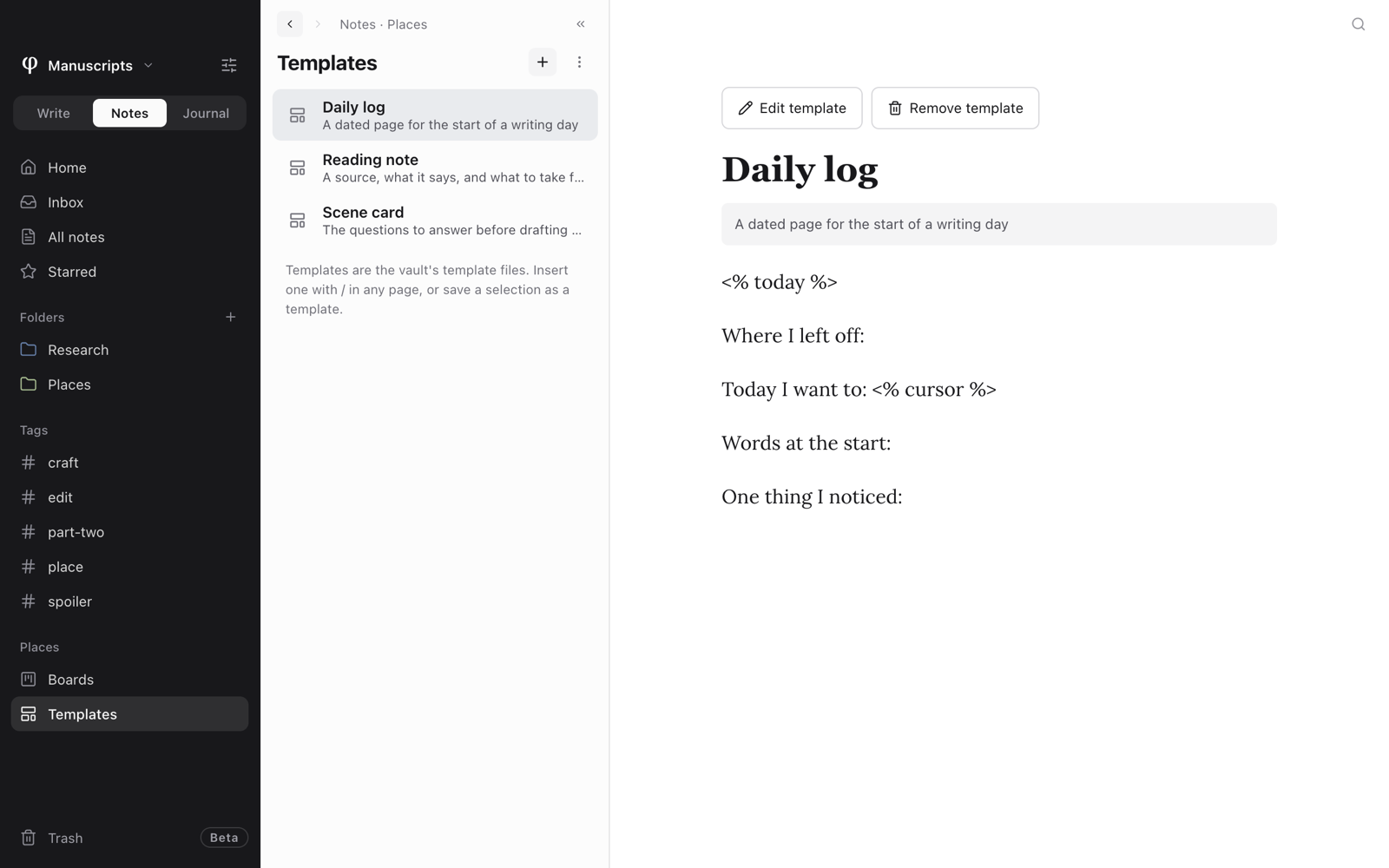
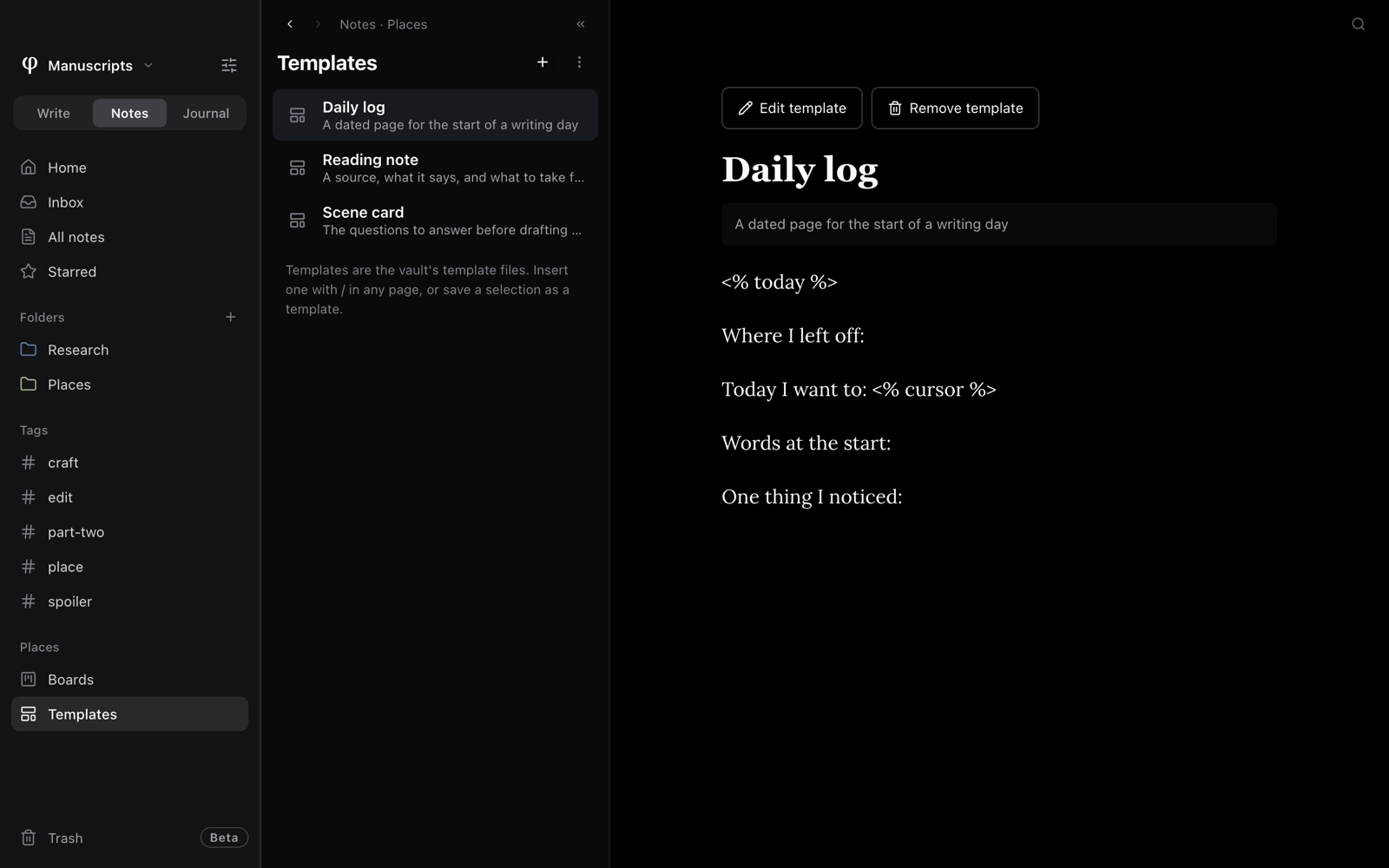
The list shows every template you can use in this vault. Each is marked This vault or On every vault. Click a template to see its content.
- + (New template) makes an empty template for this vault, called Untitled template.
- Edit template opens the template in the template editor.
- Remove template deletes one of this vault's templates. To remove a template for every vault, use Settings (see the next section).
Edit a template
The template editor is separate from your documents. Editing a template does not change the document you have open.
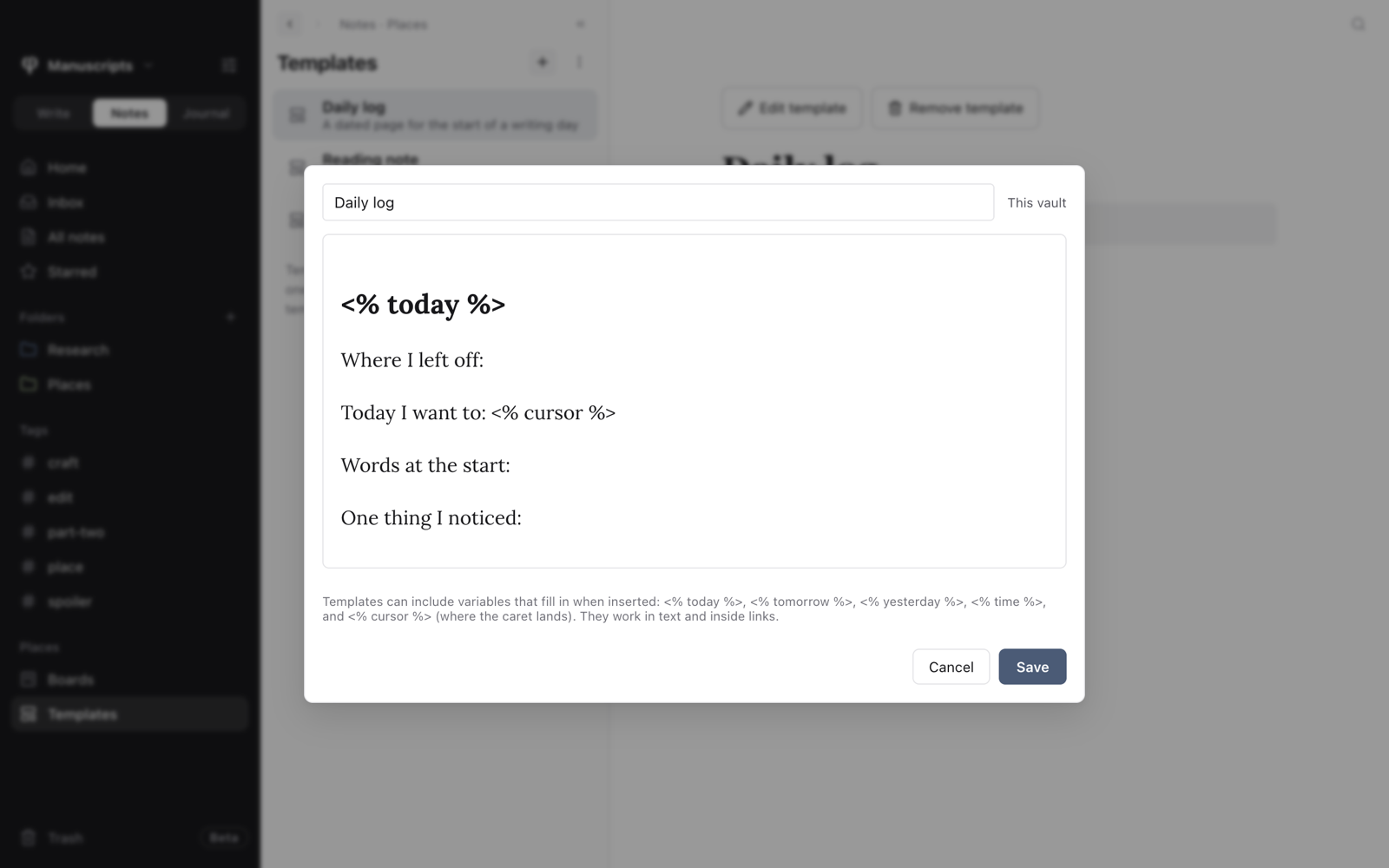
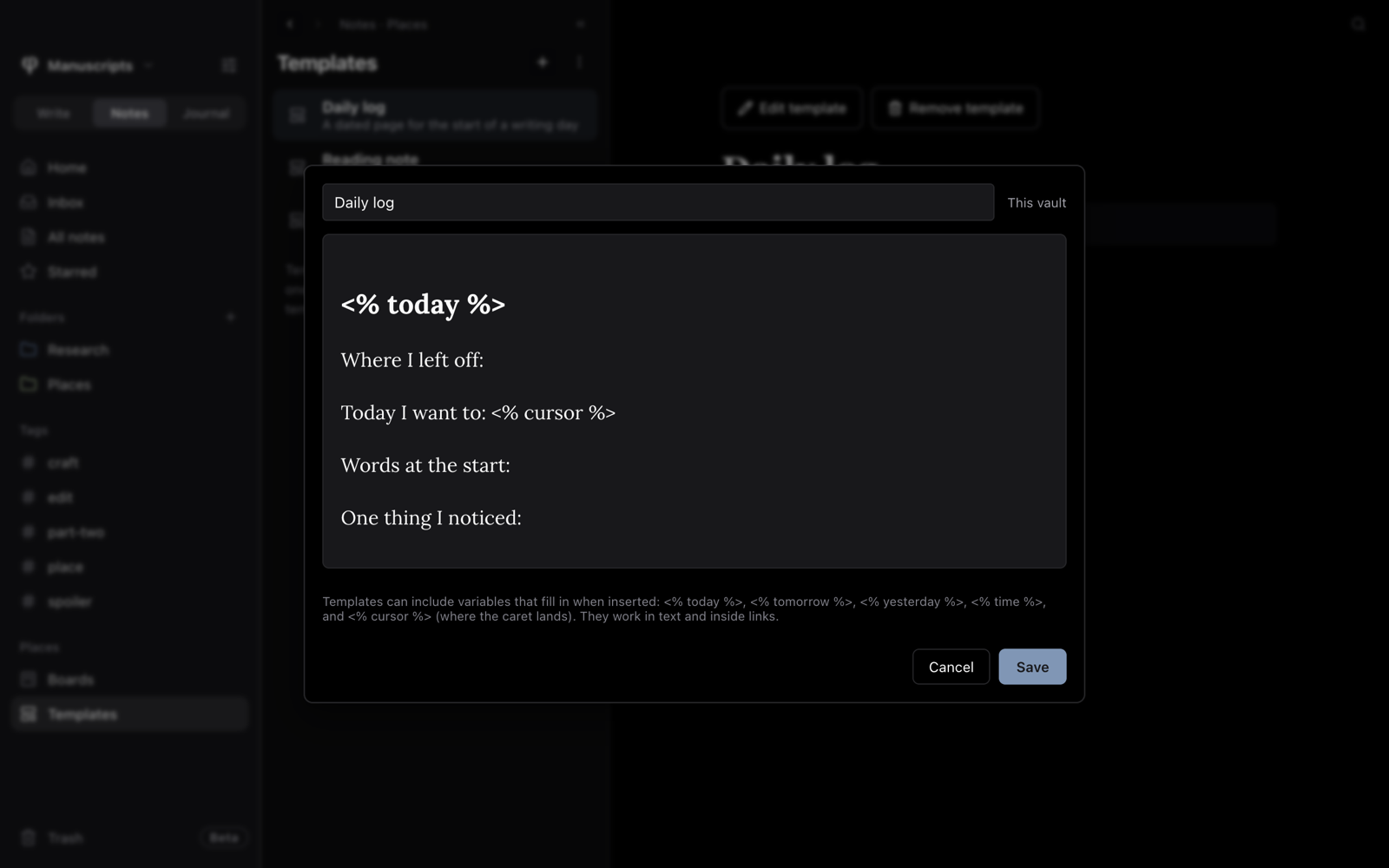
- Change the name and the content.
- Press Save.
A reminder of the variables is shown under the editor.
Settings → Templates also lists your templates, under This vault and Global templates. Each has a pencil to edit it and a bin to remove it. Below the lists:
- Install a template… adds a template file that someone gave you.
- Open templates folder opens the folder that holds the templates for every vault.
Fill in dates and the caret
A variable is a short code in a template. Poiesis replaces it each time you insert the template. So the same template gives today's date today, and tomorrow's date tomorrow.
Type a variable as plain text in the template:
| Variable | Fills in with |
|---|---|
<% today %> | Today's date. |
<% tomorrow %> | Tomorrow's date. |
<% yesterday %> | Yesterday's date. |
<% time %> | The time now. |
<% cursor %> | Nothing. It marks where the caret goes, so you can start typing there. |
In ordinary text, a date becomes a date chip that you can click. Inside a link or other formatting, it becomes plain text.
Make a daily log template with <% today %> as its heading and
<% cursor %> under it. Insert it, and you get a page with today's date,
ready for you to write.
See also
- Formatting & blocks: the
/menu. - Journal & morning pages
- Settings