AI agents and merging vaults
An AI app on your computer can work with your vaults through φ Poiesis. Read AI and your privacy first: these apps are separate from φ Poiesis, and their own terms apply.
Connect an app
- Open Settings → AI.
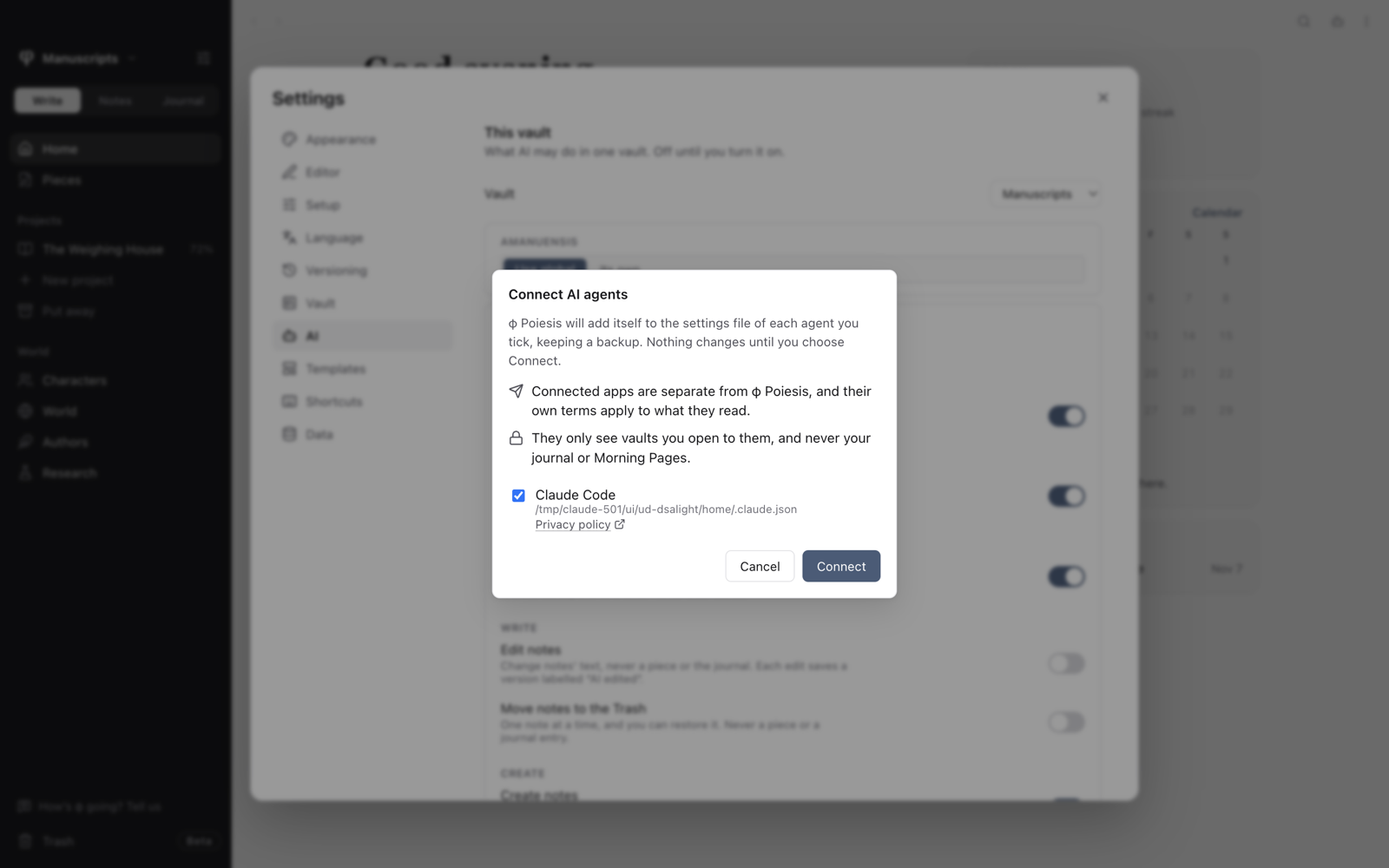
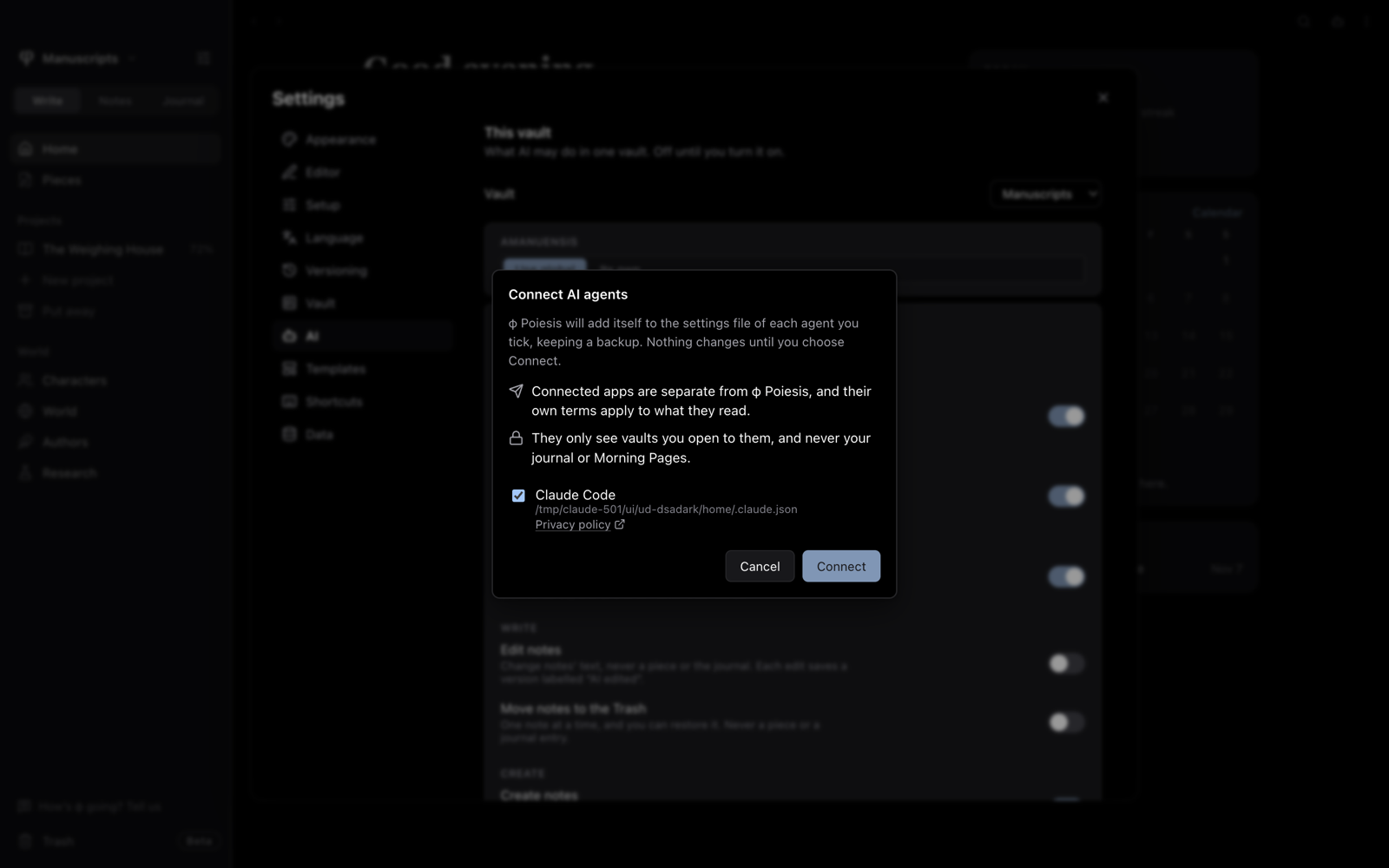
- Choose Connect AI agents. It lists the apps it found (Claude, Claude Code, Codex and Gemini CLI) and the settings file each one changes.
- Tick the ones you want and choose Connect. φ Poiesis keeps a backup of each file.
- Restart those apps.
For another app, choose Copy setup for another app.
Choose what agents may do
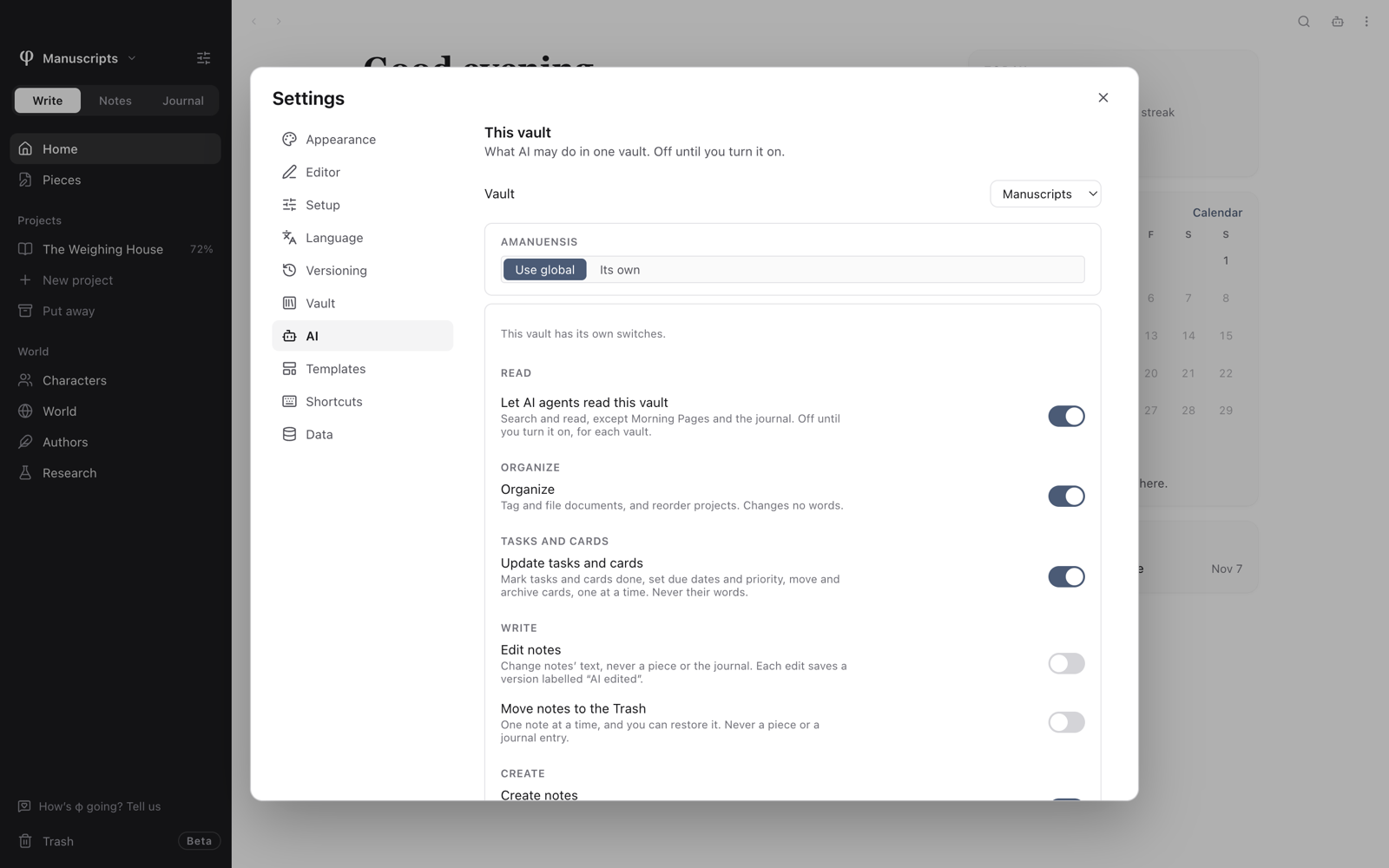
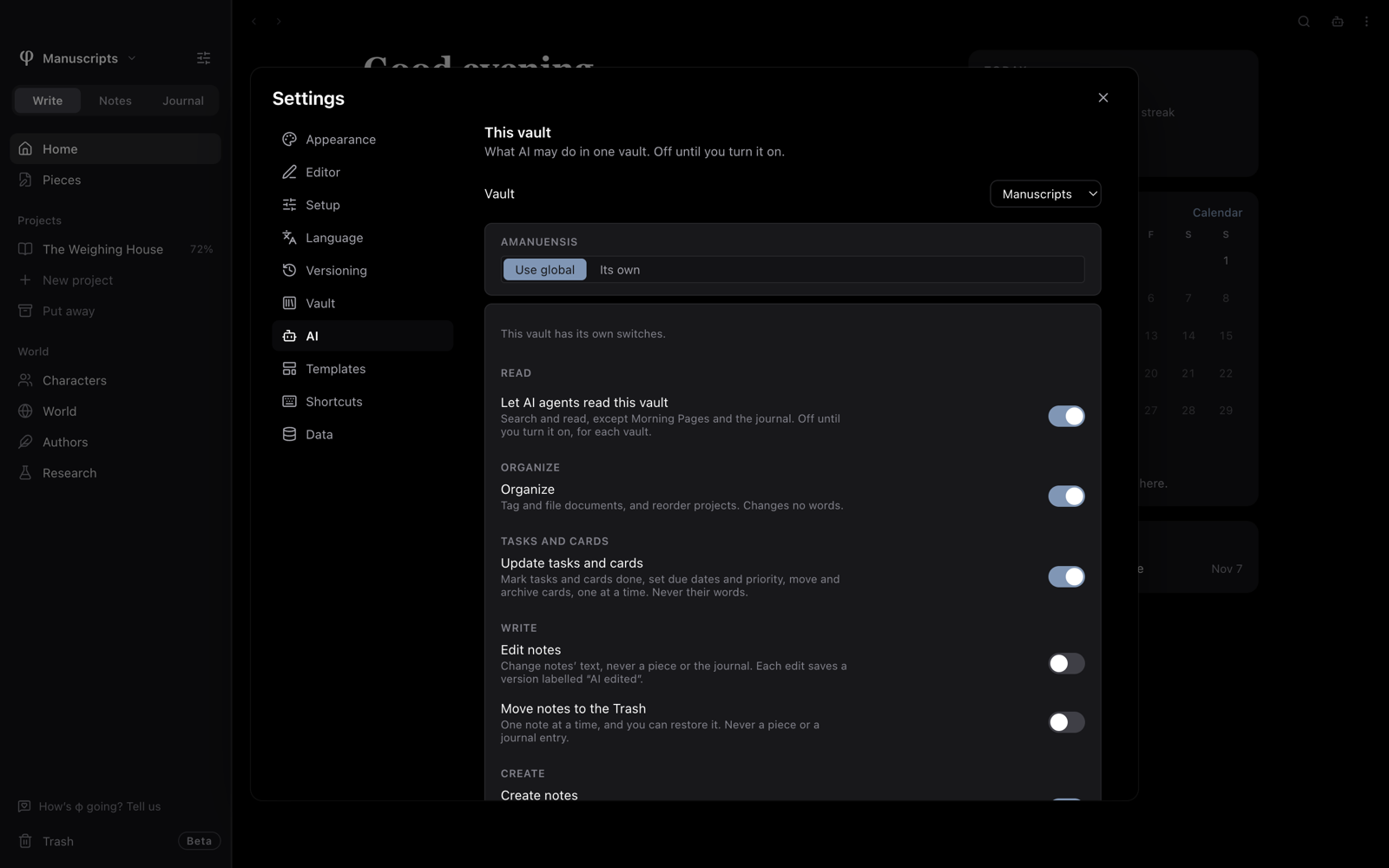
Everything is off until you turn it on, for each vault, under This vault in Settings → AI. Default permissions for other vaults sets what applies to any vault that hasn't set its own.
| Switch | What it allows |
|---|---|
| Let AI agents read this vault | Search and read, except the journal and Morning Pages. The others need this one. |
| Organize | Tag and file documents, and reorder projects. |
| Update tasks and cards | Mark them done, set due dates and priority, move and archive cards. |
| Edit notes | Change notes' text. Each edit saves a version labelled AI edited. |
| Move notes to the Trash | One note at a time, and you can restore it. |
| Create | Each of notes, folders, boards, cards and empty outlines has its own switch. |
| Propose merges | Plan merging vaults or repeated notes. |
| Let agents apply plans | Approve a plan in the agent's chat. |
Agents can never change the words of a piece, see the journal or Morning Pages, or delete anything for good. Nothing is removed in bulk, except through a merge plan you approve.
Merge vaults from a plan
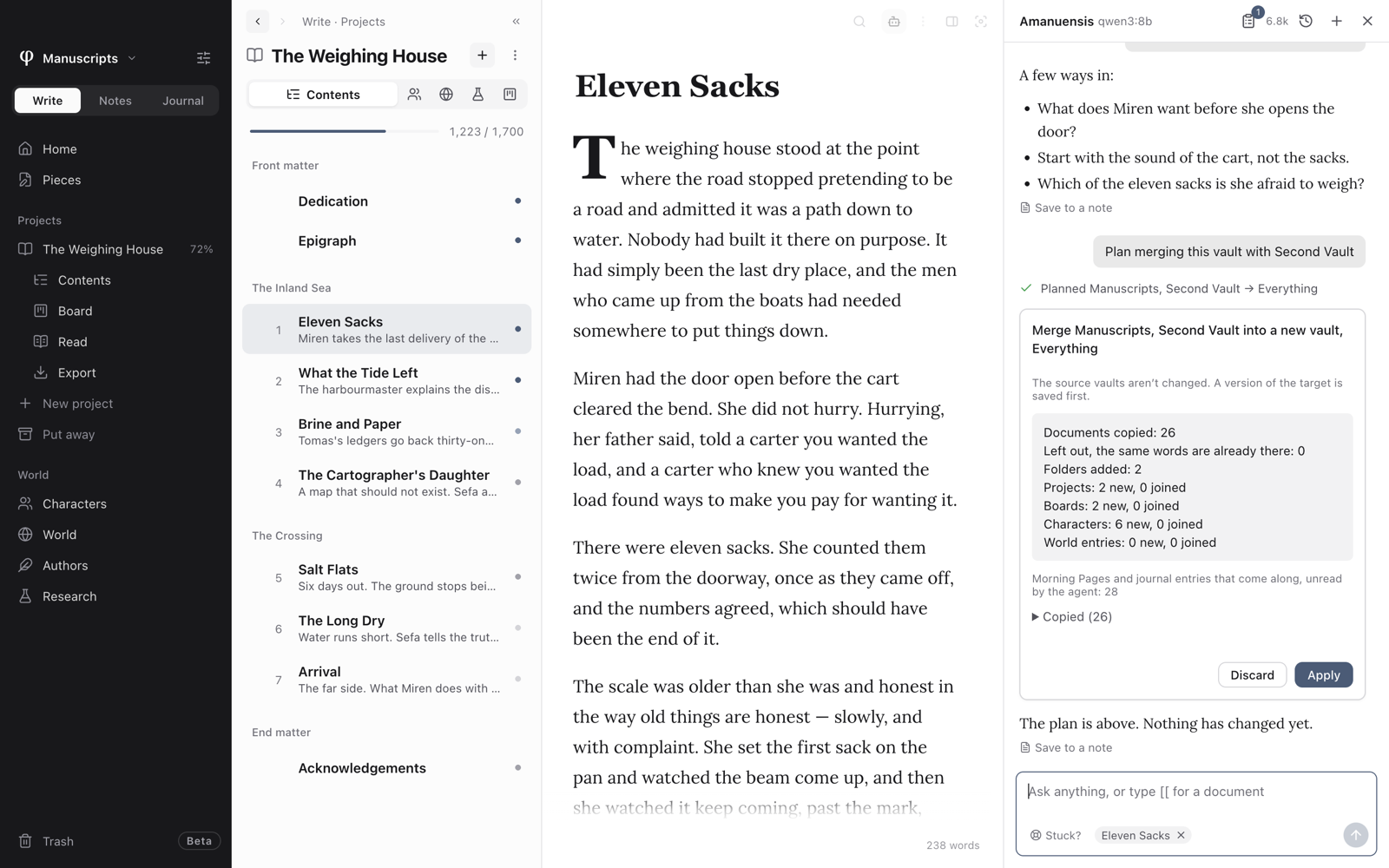
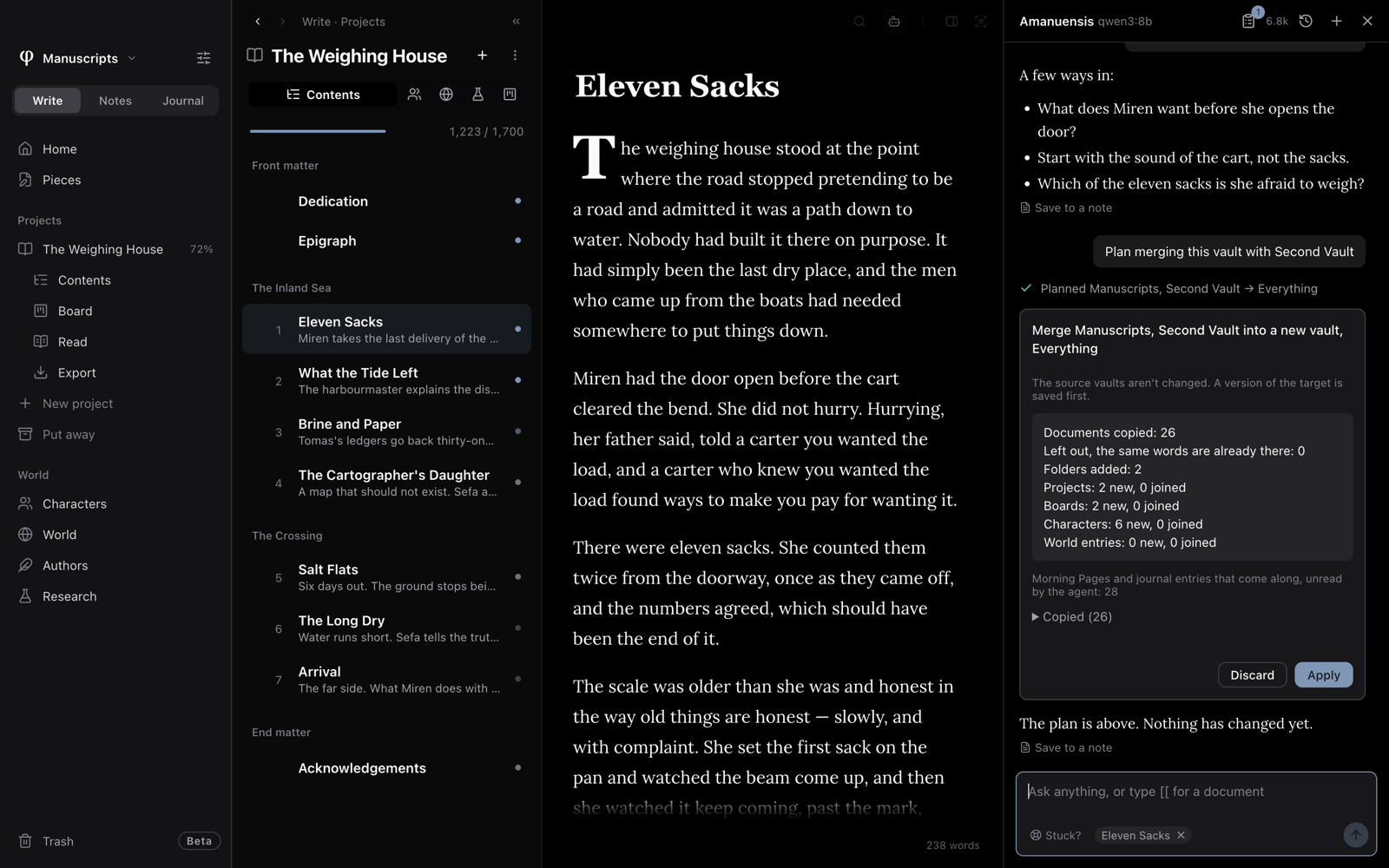
Ask an agent or Amanuensis to plan a merge. Nothing changes until you approve it. The source vaults aren't changed, and when merging into an existing vault, a version of it is saved first.
- In Amanuensis, the plan appears in the chat. Make your choices and choose Apply or Discard.
- In an outside agent, it shows you the plan in its own chat. You can apply it from the plans list in the Amanuensis panel, which appears even if Amanuensis isn't set up.
- To approve it in the agent's chat, turn on Let agents apply plans for every vault involved. φ Poiesis needs to be open, and a new vault goes beside the first vault it comes from.
With Let agents apply plans on, the app's own permission prompt is your only check. Don't set that tool to always allow.