AI and your privacy
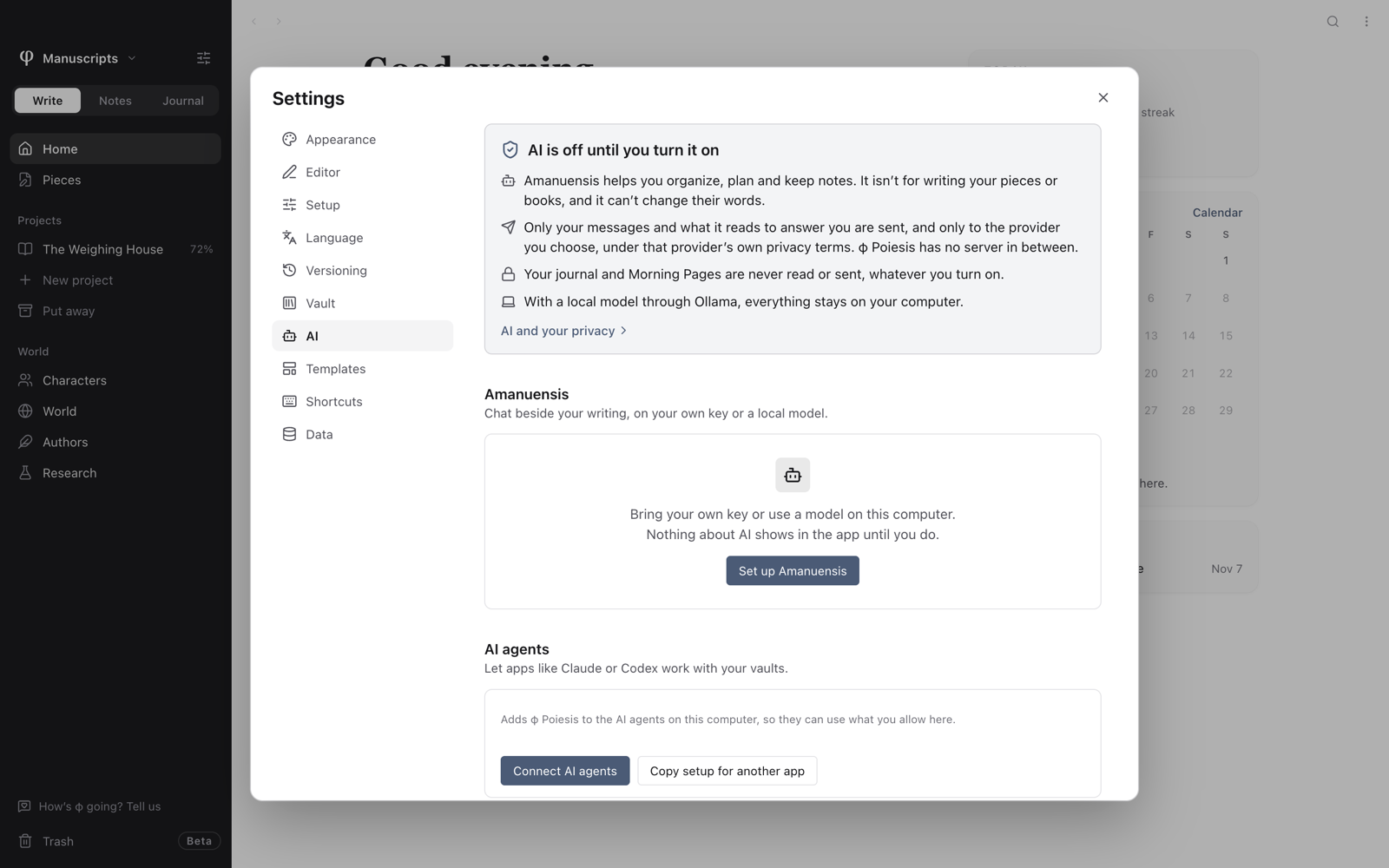
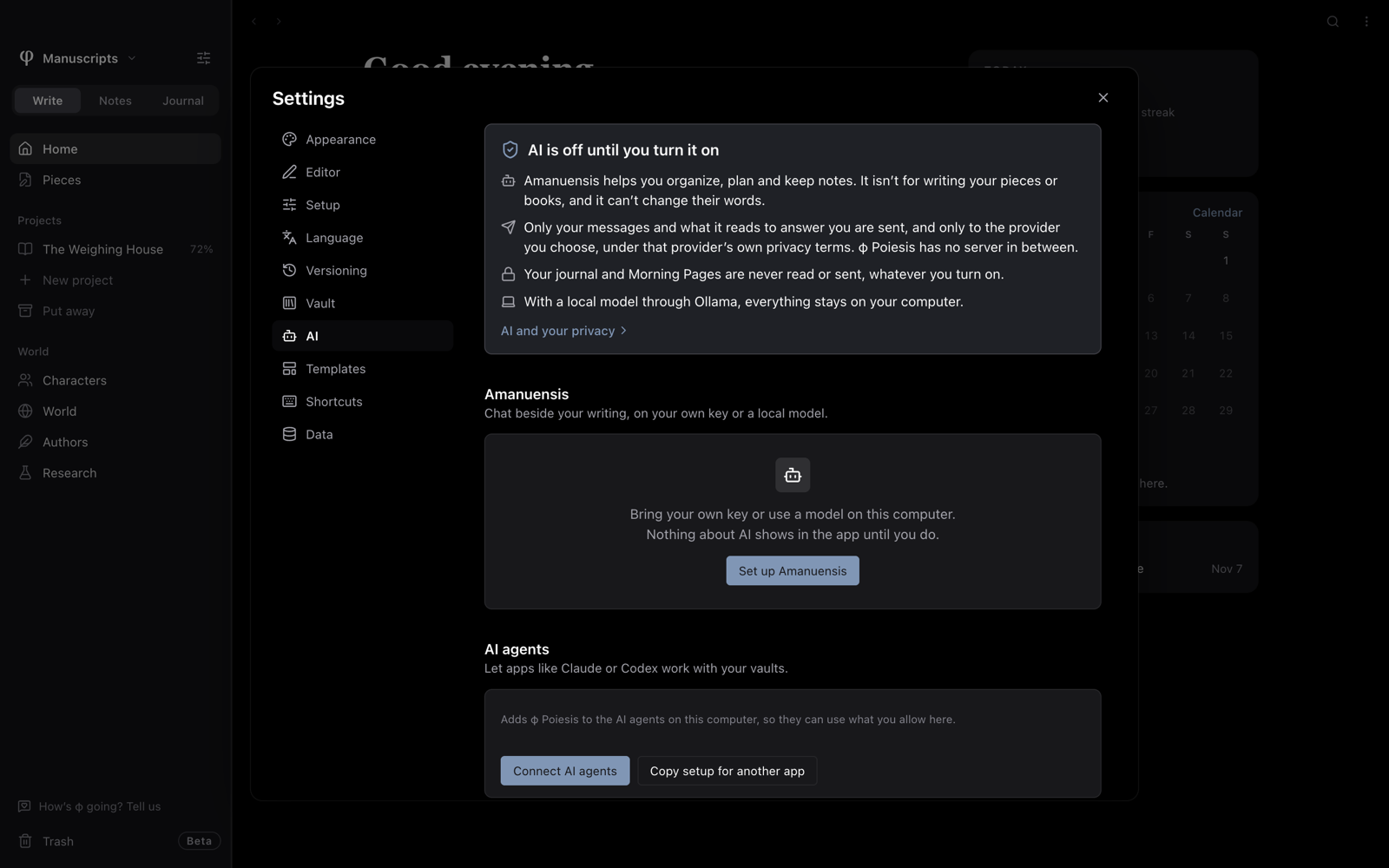
AI is off until you turn it on. Until then, nothing about AI shows in the app, apart from Settings → AI.
What it's for
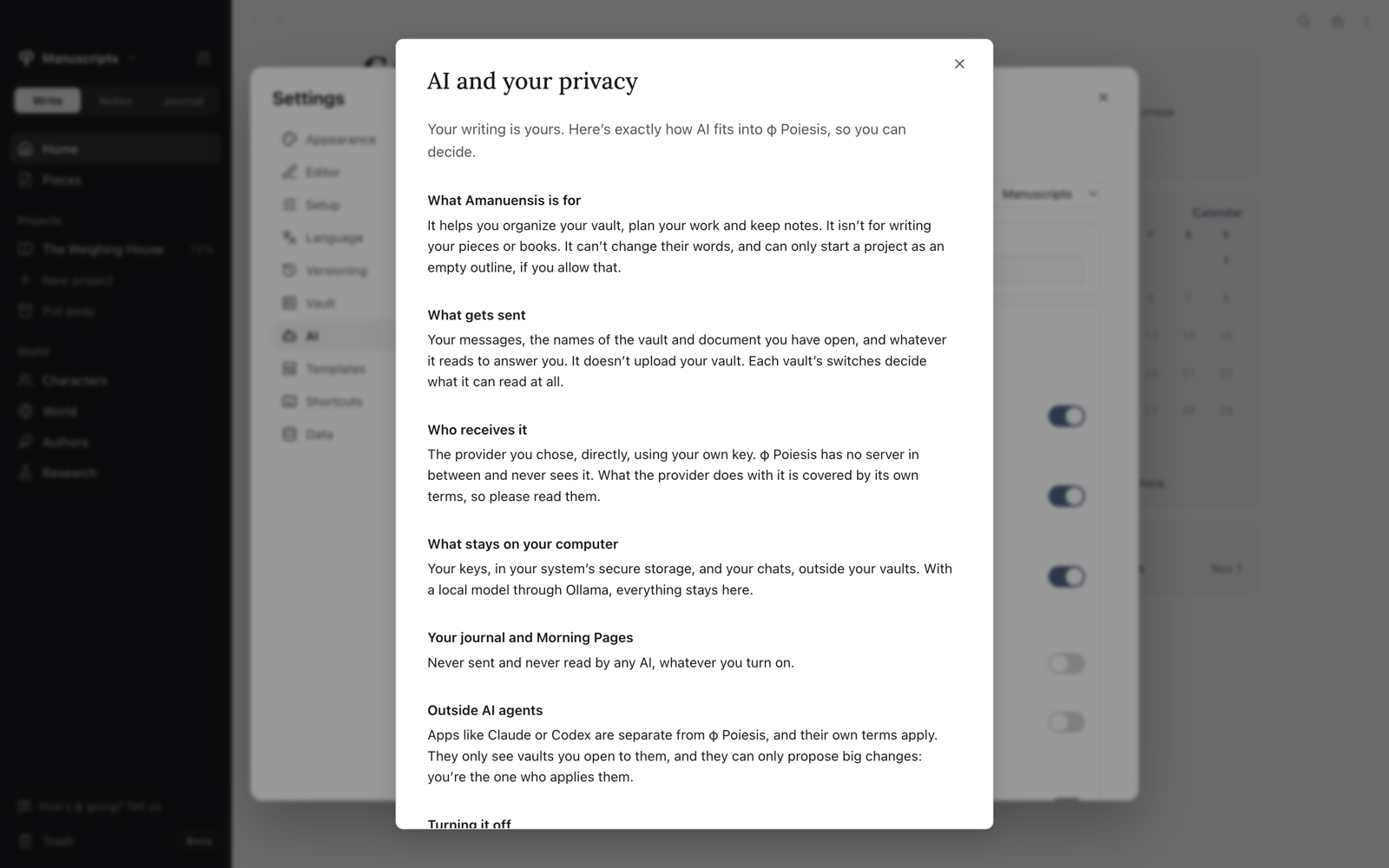
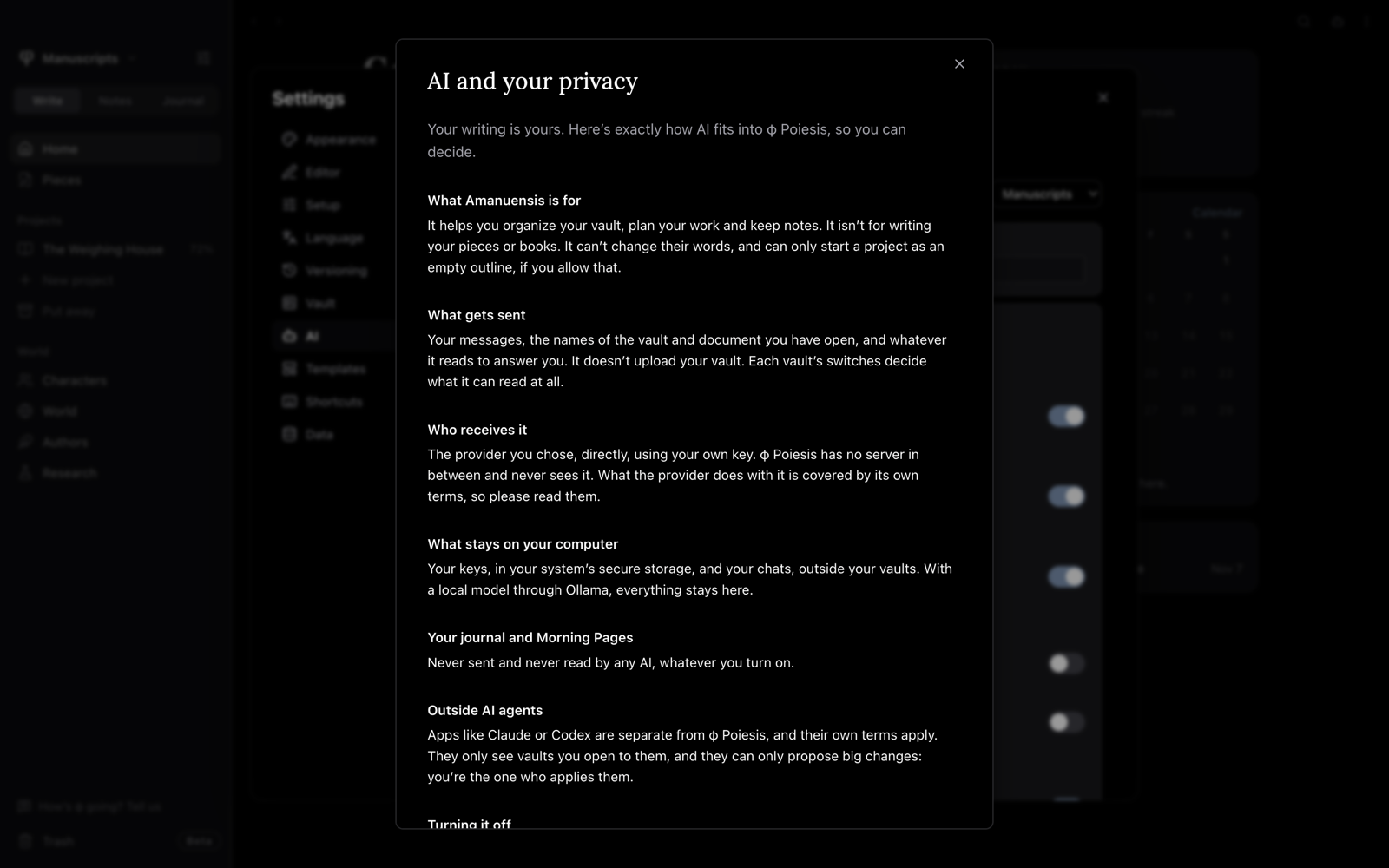
Amanuensis helps you organize, plan and keep notes. It isn't for writing your pieces or books, and it can't change their words. It can start a project only as an empty outline, and only if you allow that.
What gets sent
Your messages, the names of the vault and document you have open, and whatever it reads to answer you. It doesn't upload your vault. Each vault's switches decide what it can read at all.
Your journal and Morning Pages are never sent or read by any AI, whatever you turn on.
Who receives it
The provider you chose, directly, using your own key. φ Poiesis has no server in between and never sees it. What the provider does with it is covered by its own terms, so please read them. Settings → AI → AI and your privacy links to the terms of whatever you use.
With a local model through Ollama, what it reads stays on your computer.
Outside agents like Claude or Codex are separate apps, and their own terms apply.
What stays on your computer
- Keys are saved in your system's secure storage, each under its own name, such as
φ Poiesis: API key for Anthropic. Where your Mac has Touch ID, it asks the first time a key is used. - Chats are saved on this computer, outside your vaults.
Turning it off
In Settings → AI, choose Turn off. To delete a key from your system's storage, choose Remove key. What a provider already received is covered by its terms.