Poetry & verse
A poem's lines are the poem, so φ keeps them exactly as you write them. Verse sets your lines at the text's own margin, with your line breaks, your stanzas and your indents, and every export prints them the same way.
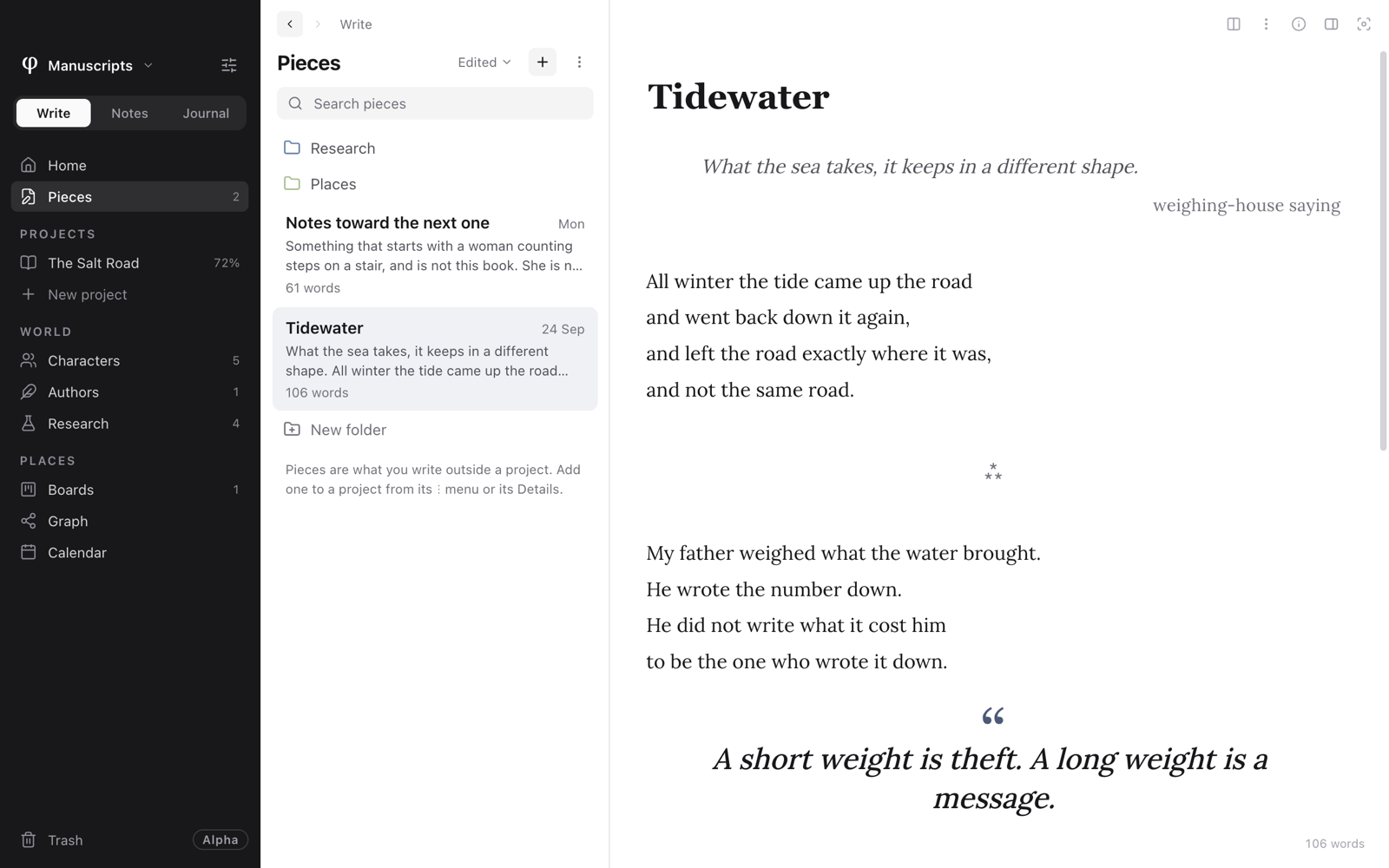
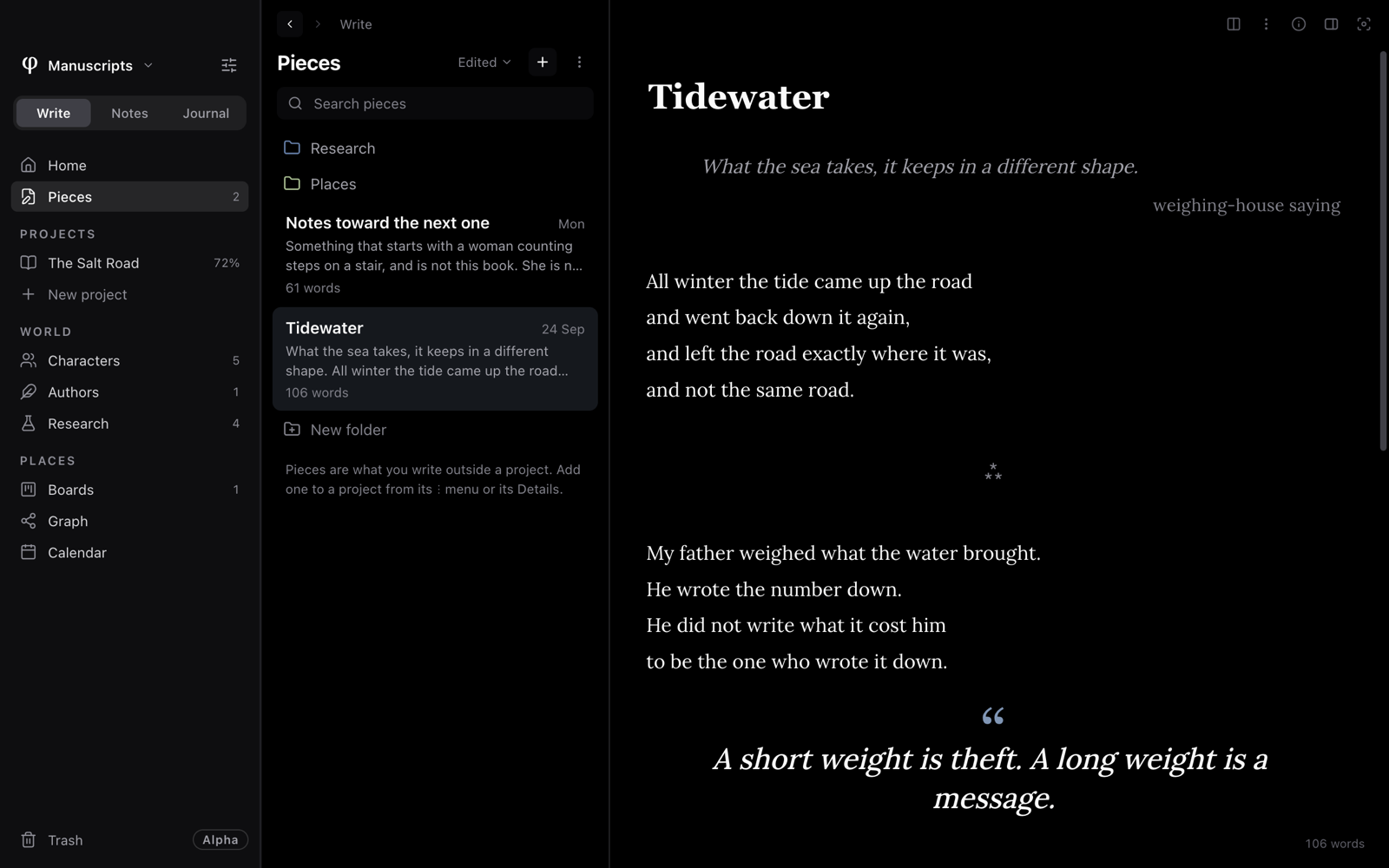
Write a poem
- Open a poem in a project, or start one with New poem from the + above the list.
- Type
/verseand pressEnter, or press⌥⌘V. - Write.
Enterstarts a new line within the verse. - Press
Entertwice for a blank line between stanzas. - Press
⌘↩to step out of the verse into an ordinary paragraph below.
Verse, epigraphs, pull quotes and scene breaks are offered in documents that belong to a project.
How verse is set
Verse isn't a box. It sits at the same margin as the rest of the text, with no rule beside it and no indent, and each line stays where you broke it.
- Your indents are kept. Start a line with spaces or
Taband it keeps that indent, on the page and in every export. - Nothing is justified or hyphenated, so no line is stretched or split.
- A line too long for the printed page carries on below, indented, the way publishers set verse.
- A blank line separates stanzas.
Italic and the other formatting work inside verse as anywhere else.
Turn prose into verse, and back
Already wrote the poem as paragraphs? Select them and choose Verse
(/verse or ⌥⌘V). Each paragraph becomes a line, and an empty paragraph
becomes a stanza break. Do it again inside the verse and each line turns
back into a paragraph of its own.
Open with an epigraph
Type /epigraph for an opening quotation. Write the quotation, then its
source in the attribution field below it; ↓ from the quotation's last
line takes you there.
An epigraph for the whole book belongs in the project's Book details, which sets it on a page of its own.
Set a line apart
- Pull-quote (
/pull-quote): a line set large, for one statement you want the reader to stop on. - Scene break (
/scene): a centred ornament between sections: Asterism ⁂, Stars * * *, Fleuron ❧ or Blank space. Point at it to switch. In an exported book, every break takes the design's ornament, which you can change under Adjust the design → Between scenes.
| Block | Insert with |
|---|---|
| Verse | /verse or ⌥⌘V |
| Epigraph | /epigraph |
| Pull-quote | /pull-quote |
| Scene break | /scene |
Make a collection of poems
Give a project the type Poetry and it's made of Poems, grouped into Parts. Set it under Settings → Type on the project's page, or choose Poetry when Write's Home offers Start a project. Everything else works as for any project: arrange the poems on Contents, put a dedication in the front matter, set a goal.
Export with the Poetry design
On the project's Export page, under Print book or Ebook, choose the Poetry design. It sets verse as verse: lines kept, nothing justified or hyphenated, no first-line indents, each poem beginning a new page with space around it.
Digest — 5.5 × 8.5 in is a usual trim size for a printed collection of poetry.