Book details
A finished book has pages nobody writes as chapters: the title page, the copyright page, a dedication, an "Also by" page. φ makes them for you from the project's Book details, so they're right in every format and never drift out of step.
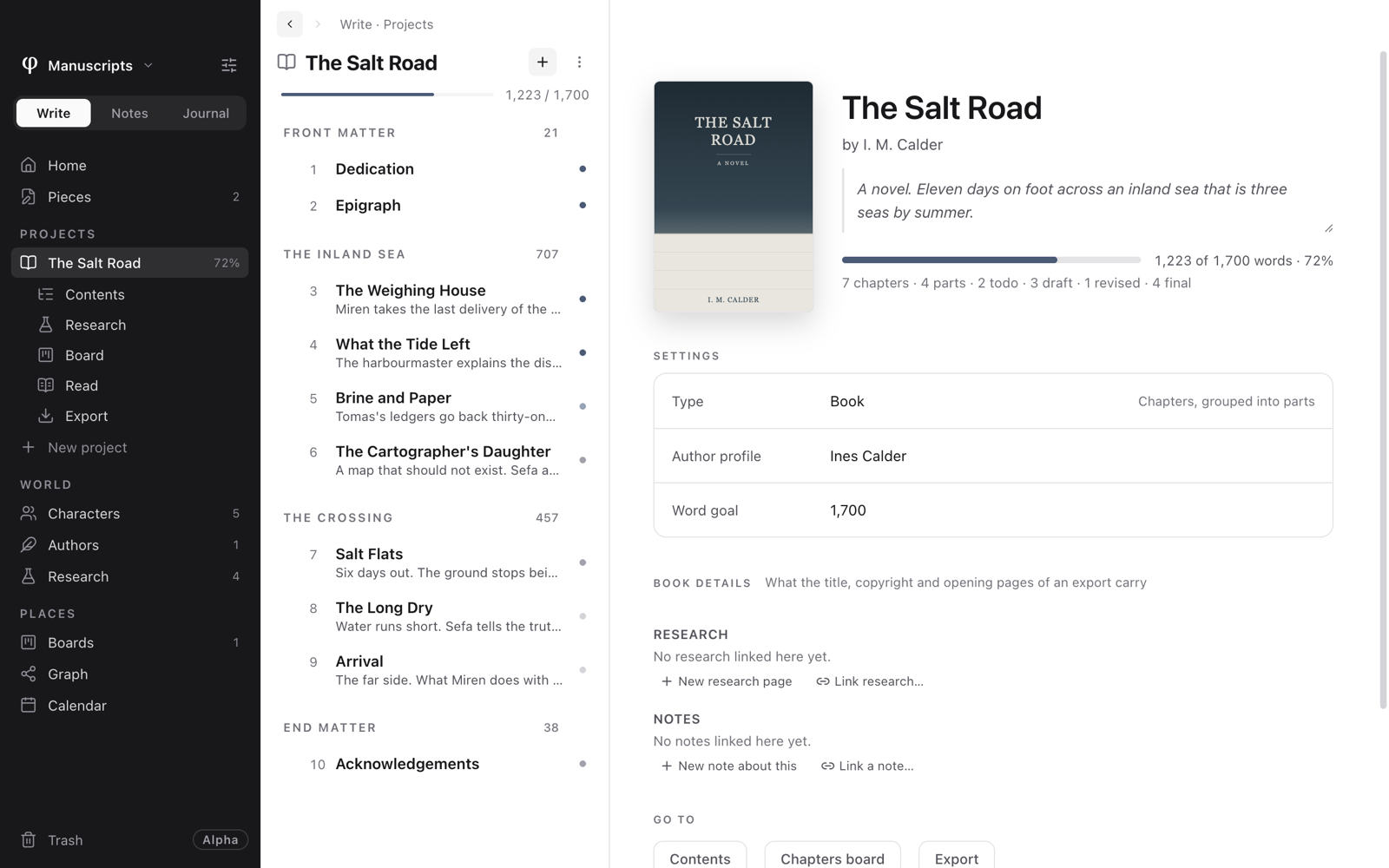
Fill in the details
- Open the project in Write. Its page shows the cover, the title, the author and the description.
- Click the cover to add or change it, and write the description beside it. The description goes on the back cover of a printed book.
- Open Book details, further down the page, and fill in what applies. Everything is optional; a page with nothing to say is left out.
What goes where
| Section | Fields | Where it appears |
|---|---|---|
| People | The book's authors, translators, editors, illustrators, and who wrote a foreword or introduction, each from an author profile. | The byline, the title page, the copyright page. |
| Title page | Subtitle, series and number, publisher, imprint, city, website. | The title page. |
| Copyright page | Rights (all rights reserved, a Creative Commons licence, public domain, or your own wording), the rights holder, edition, first published, ISBN for print and ebook, credits (cover, editing, illustrations…), a notice such as "This is a work of fiction…", printed in, language. | The copyright page, and the ebook's catalogue details. |
| Opening pages | Dedication; epigraph and its source. | Their own pages before the first chapter. |
| Closing pages | An "Also by" page, from the authors' other titles. | The end of the book. |
"About the author" comes from the first author's profile: their bio and photo.
You can also write the dedication or epigraph as documents in the project's front matter, if you'd rather. φ sets them on their own pages either way.
An ISBN is checked as you type it, and φ tells you when a digit looks mistyped.
See also
- How exporting works
- Projects: front matter, end matter and parts.
- Characters & authors: author profiles.